
Category: AI Engineering
-
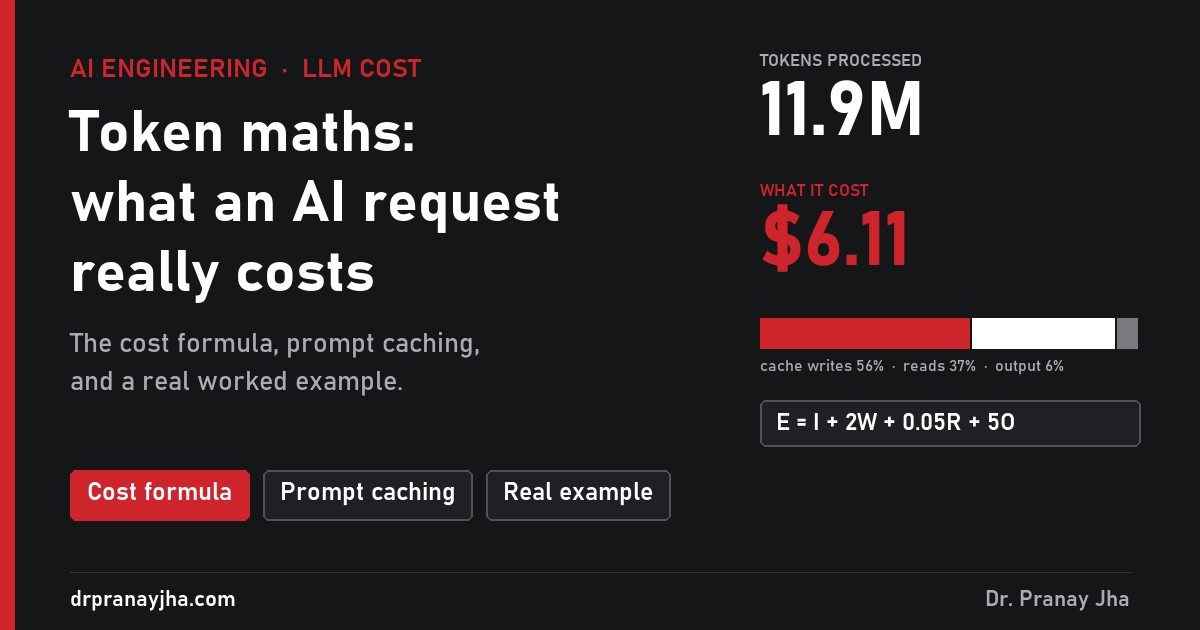
Token maths: how to calculate what an AI request really costs
How AI token billing works: the four meters, the cost formula, why long conversations get expensive, when prompt caching pays, and a real task where 12 million tokens cost $6.11.
-
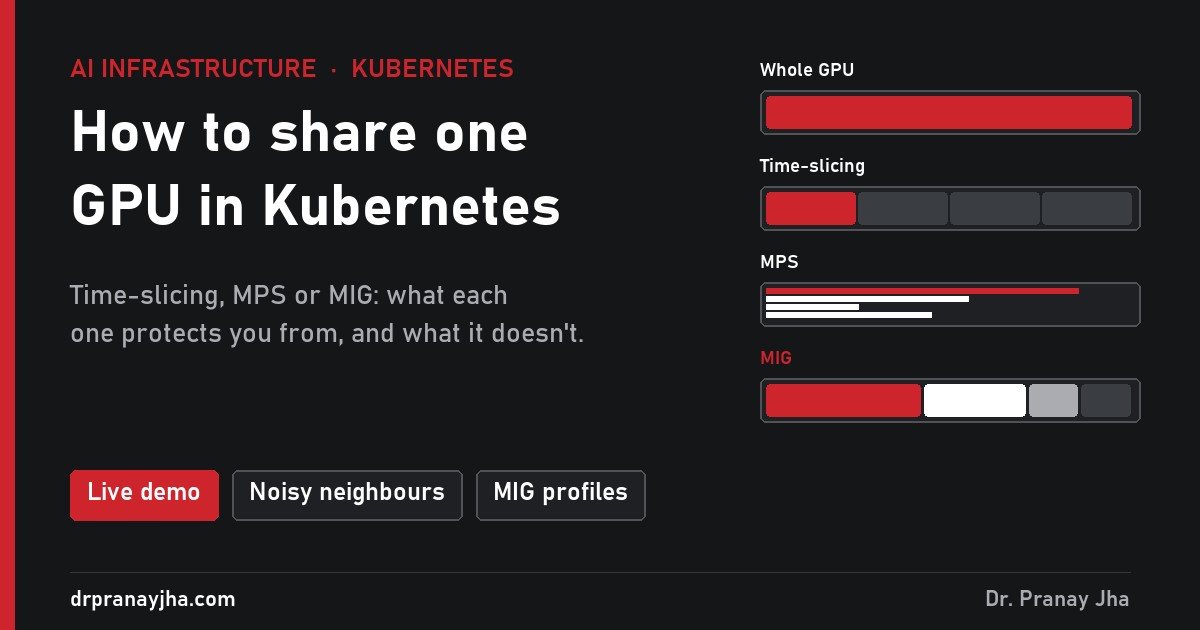
How to share one GPU between workloads in Kubernetes
Kubernetes hands out GPUs in whole numbers, so a notebook using 4% of an H100 holds the whole card. Time-slicing, MPS and MIG compared: what each protects you from, how to choose, and how to turn it on. With a live demo.
-
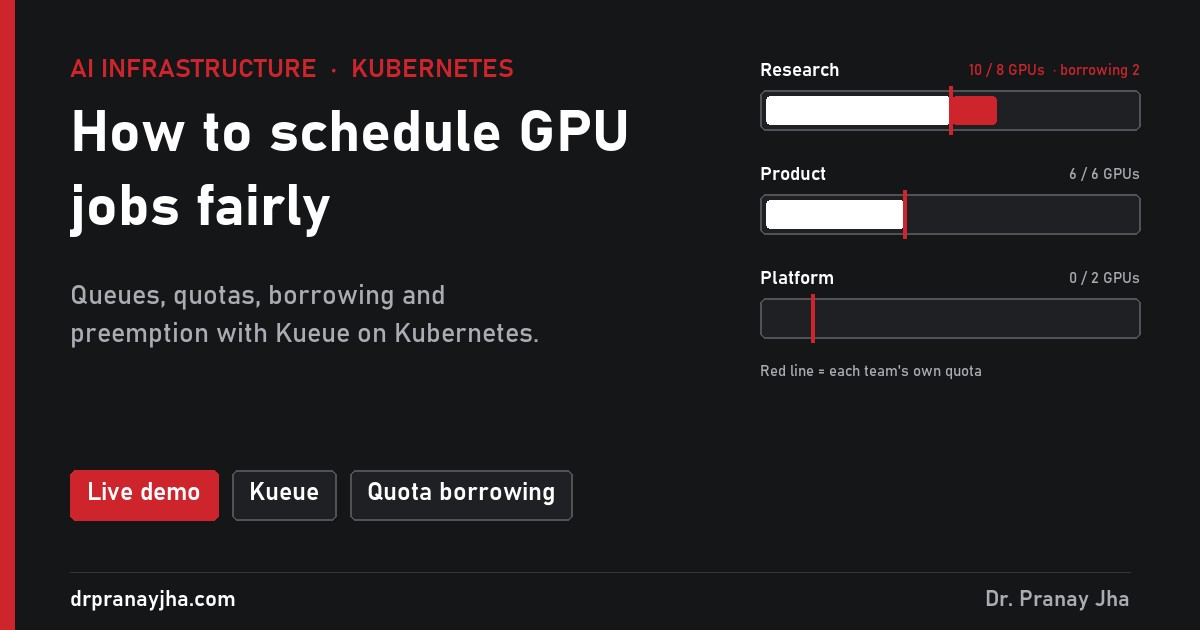
How to schedule GPU jobs fairly in Kubernetes
The default Kubernetes scheduler places pods one at a time, so multi-GPU jobs half-start and hold idle GPUs, and one team can take everything. How Kueue fixes it with queues, quotas, borrowing and preemption, with a live demo.
-
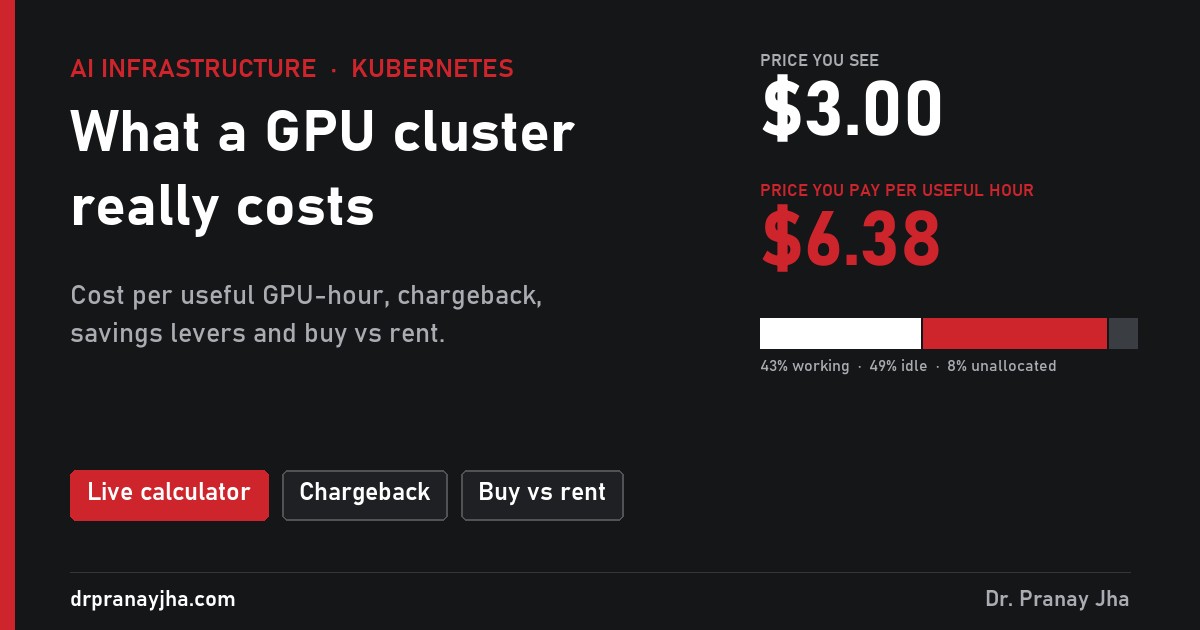
What a GPU cluster really costs, and how to cut it
Cost per useful GPU-hour, chargeback by allocation or by use, four savings levers and the buy-versus-rent break-even, worked through for 16 H100s shared by three teams. With a live calculator.
-
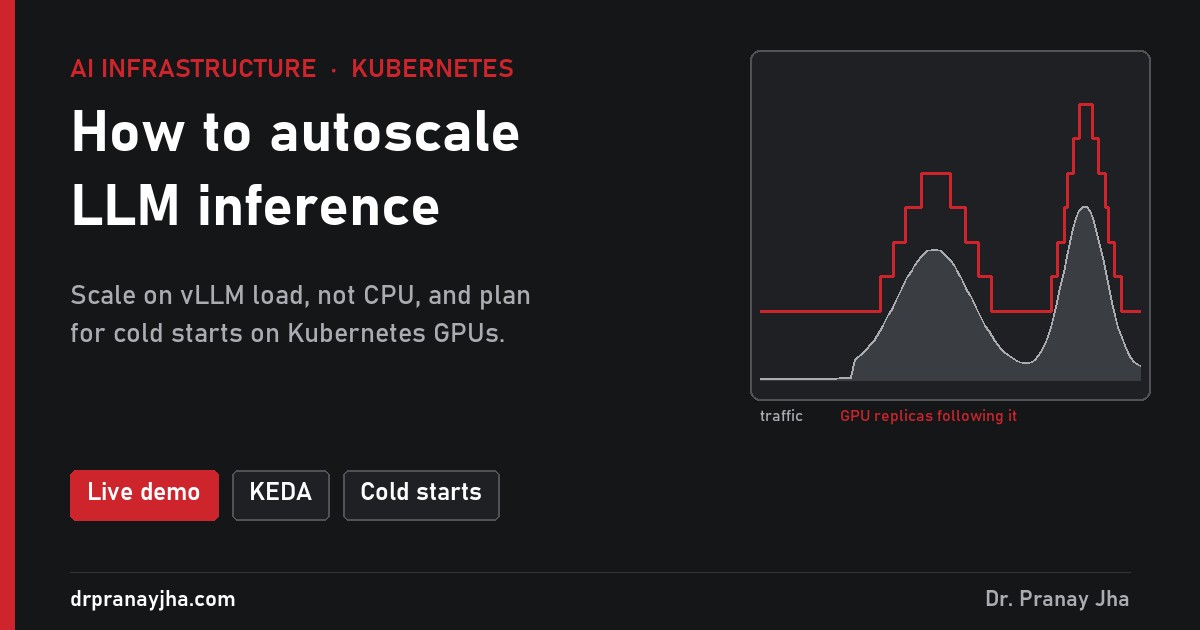
How to autoscale LLM inference on Kubernetes GPUs
The default autoscaler watches CPU, which barely moves when a GPU is full, and a new GPU replica can take ten minutes to start. Which vLLM metric to scale on, how to handle cold starts, and when scale-to-zero makes sense. With a live demo.
-
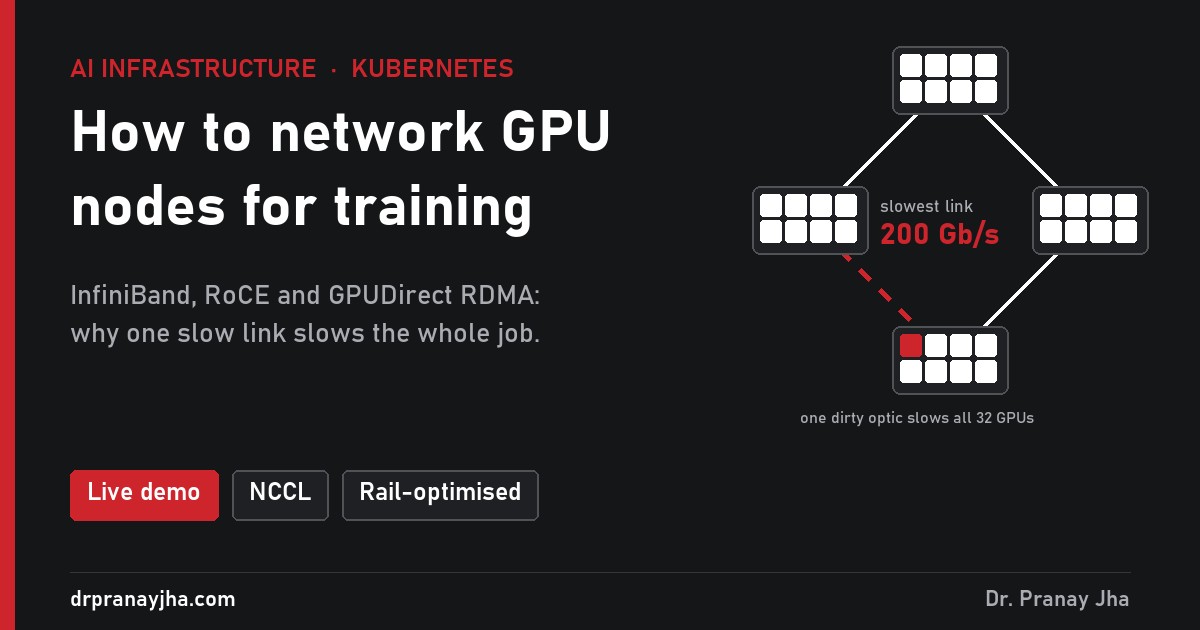
How to network GPU nodes for multi-node training
Multi-node training swaps gradients after every step, so the slowest link sets the pace for every GPU. InfiniBand vs RoCE vs TCP, rail-optimised topology, GPUDirect RDMA, the Kubernetes pieces and how to prove it with nccl-tests. With a live demo.
-
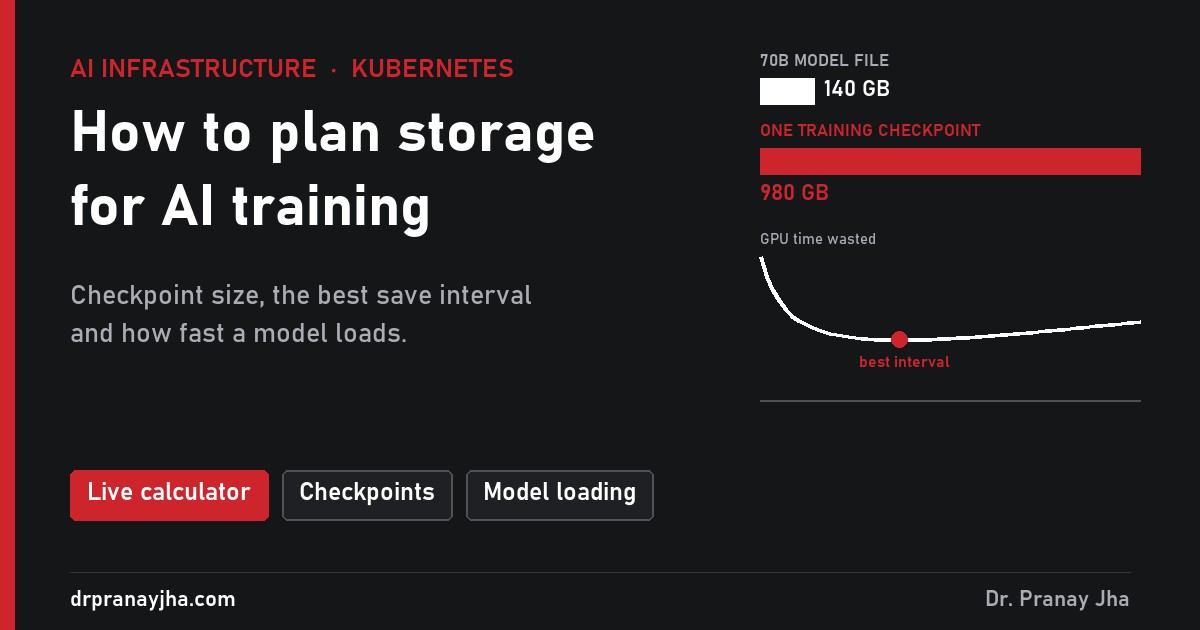
How to plan storage for AI training and inference
A training checkpoint is about 14 bytes per parameter, nearly 1 TB for a 70B model, and large jobs crash every day or two. How big checkpoints are, how often to save them, which storage keeps up and how fast models load for inference. With a live calculator.
-
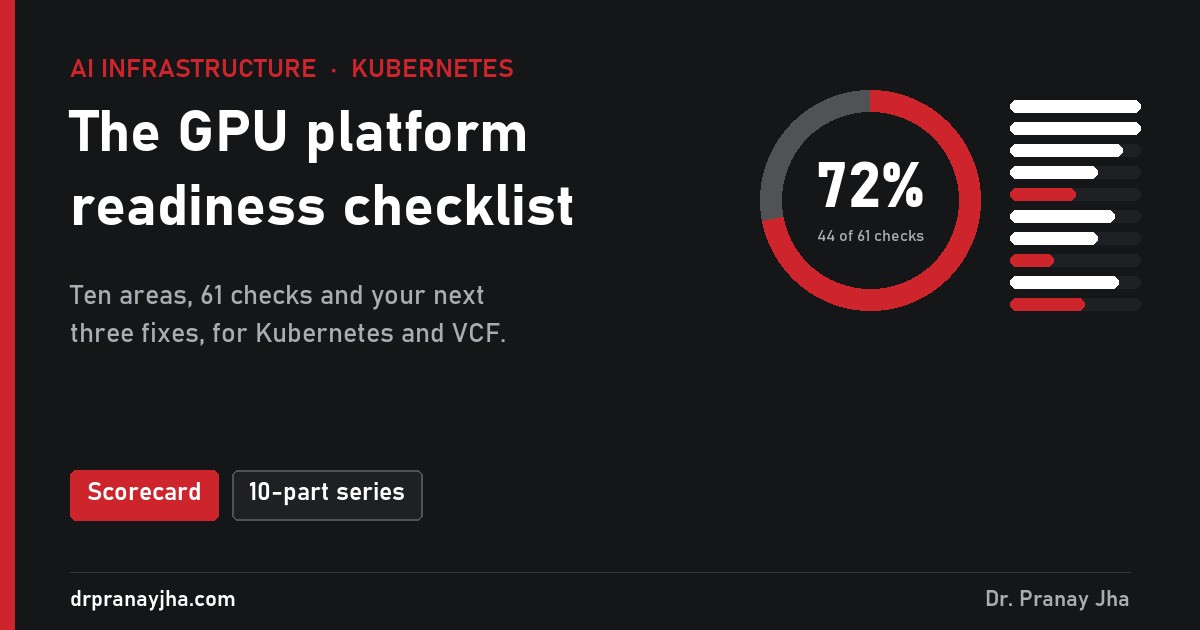
The GPU platform readiness checklist
The summary of a ten-part series on running GPUs on Kubernetes and VMware Cloud Foundation: one lesson from each part, the order to tackle them in, and a 61-point scorecard that gives you your next three fixes.
-
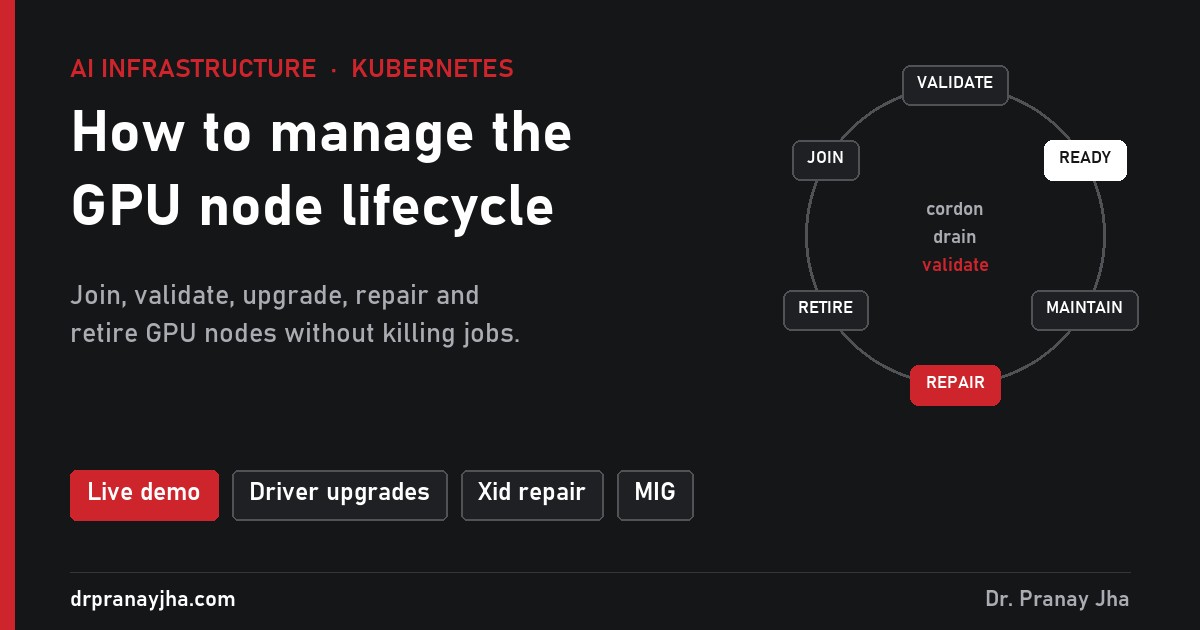
How to manage the GPU node lifecycle in Kubernetes
How a GPU node joins a Kubernetes cluster, gets upgraded, gets repaired after a hardware fault and is retired, without killing long training jobs. With a live demo of every step.
-
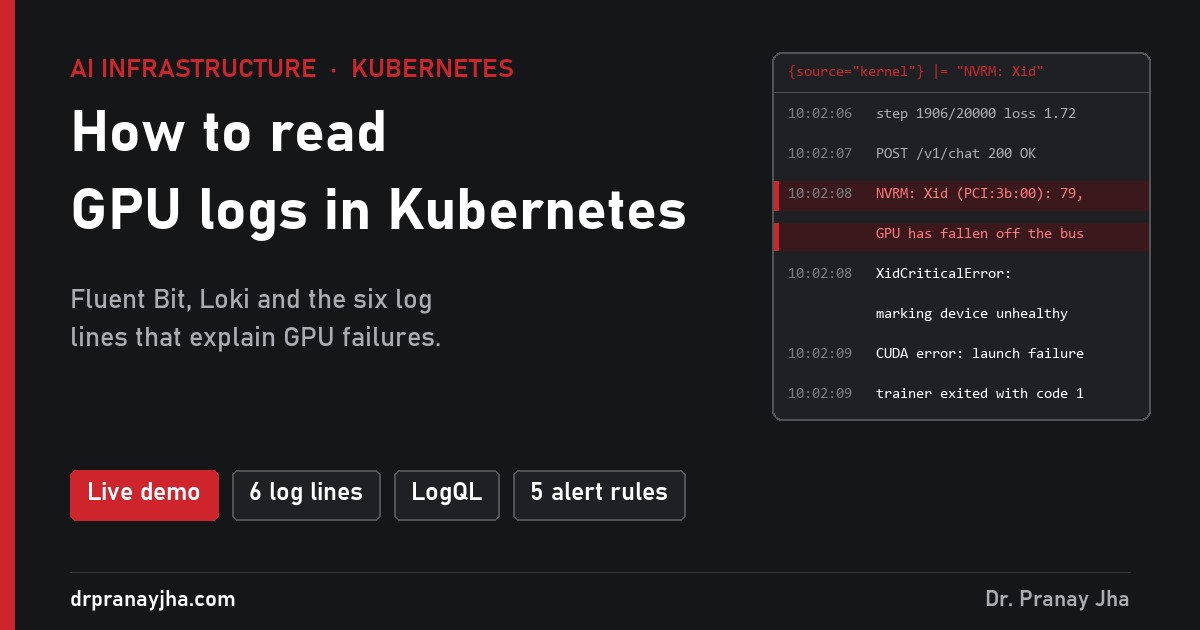
How to read GPU logs in Kubernetes
Metrics tell you a GPU failed; logs tell you why. Where GPU logs live on a Kubernetes node, how to ship them with Fluent Bit to Loki, and the six log lines that explain most GPU failures, with a live demo.
-
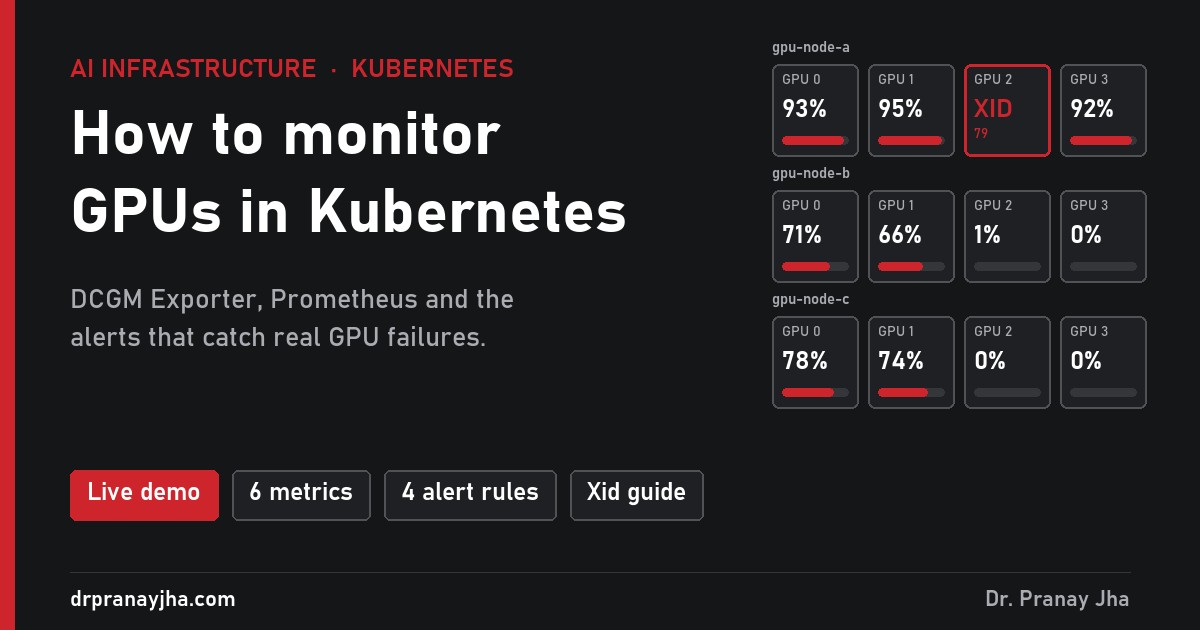
How to monitor GPUs in Kubernetes
Kubernetes knows a pod asked for a GPU, not whether that GPU is busy, hot or dead. How DCGM Exporter, Prometheus and four alert rules fill the gap, with a live demo cluster to break.
-
100 hands-on lab tasks for AI infrastructure
A 100-task lab workbook for AI and GPU infrastructure roles, in learning order: Linux on GPU hosts, drivers and DCGM, Slurm, Kubernetes with the GPU Operator, Prometheus and Loki, InfiniBand and RoCE, NCCL validation, Terraform and Ansible, BCM, storage and serving, runbooks and timed scenarios.
Architect’s Toolkit
PJ’s Tools
- Infra 360 Hub – All Series
- VCF Exam Practice Labs
- VCF 9 Interactive Walkthroughs
- VCF Design Cheatsheet
- VCF Upgrade Planner
- VCF 9 Series Hub
- VCF Deployment Hub
- AI Stack Hub
- AI Infra Sizing & Cost Calculator
- LLM & RAG Cost Calculator
- DrJhaGPT – Ask Pranay
VMware Cloud Foundation
- VCF Documentation
- VCF 9 Planning & Preparation Workbook
- VCF Bill of Materials (BoM)
- VMware Compatibility Guide
- VMware Interoperability Matrix
- VMware Configuration Maximums
- VMware Ports & Protocols
- VMware Hands-on Labs
- RVTools Download
Nutanix
AI & Cloud-Native Platform
- NVIDIA Build (Model Catalog)
- NVIDIA AI Enterprise Reference Architecture
- NVIDIA NIM Performance Benchmarking
- NVIDIA NGC Catalog
- NeMo Microservices Helm Chart
- Helm Charts Repository
- Hugging Face Models
Architecture & Design
About the Author
Dr Pranay Jha
Dr. Pranay Jha is a Cloud and AI Consultant with 18+ years of experience in hybrid cloud, virtualization, and enterprise infrastructure transformation. He specializes in VMware technologies, multi-cloud strategy, and Generative AI solutions. He holds a PhD in Computer Applications with research focused on Cloud and AI, has published multiple research papers, and has been a VMware vExpert since 2016 and a VMUG Community Leader.
You May Have Missed

 DrJha