
Category: AI Stack
-
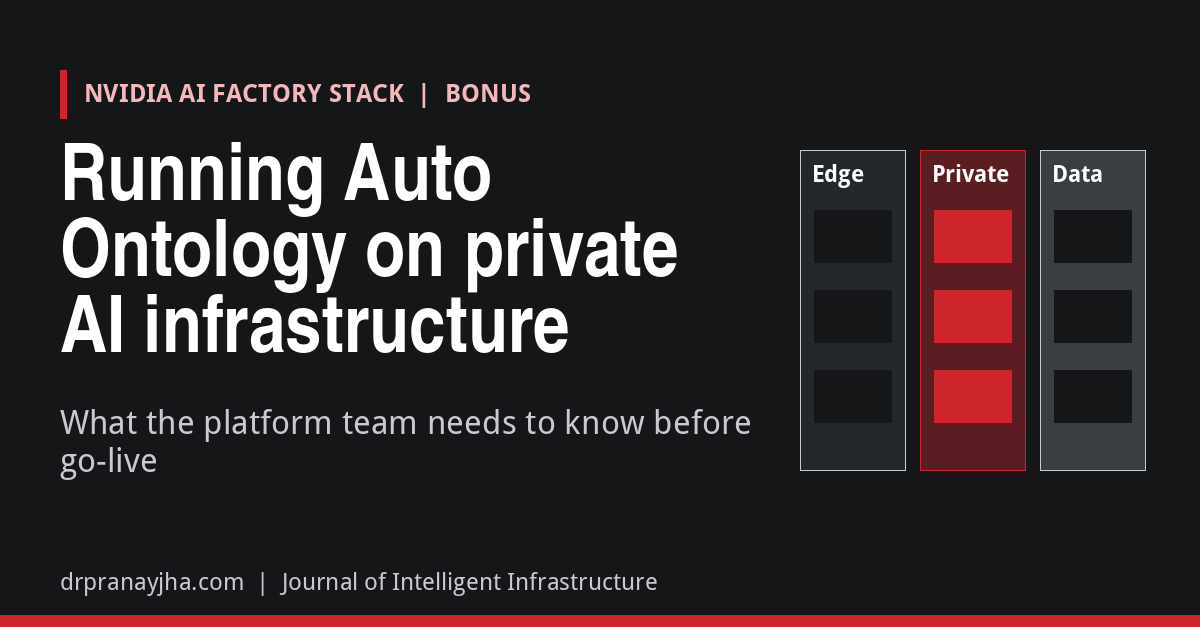
Running NVIDIA Auto Ontology on private AI infrastructure: what the platform team needs to know
The infrastructure view of NVIDIA Auto Ontology: what the Helm chart deploys, which defaults to change before go-live, where the security boundary sits, hosted vs self-hosted NIM models and GPU sizing, protecting the Postgres that holds certified definitions, and how it fits into the AI factory stack.
-
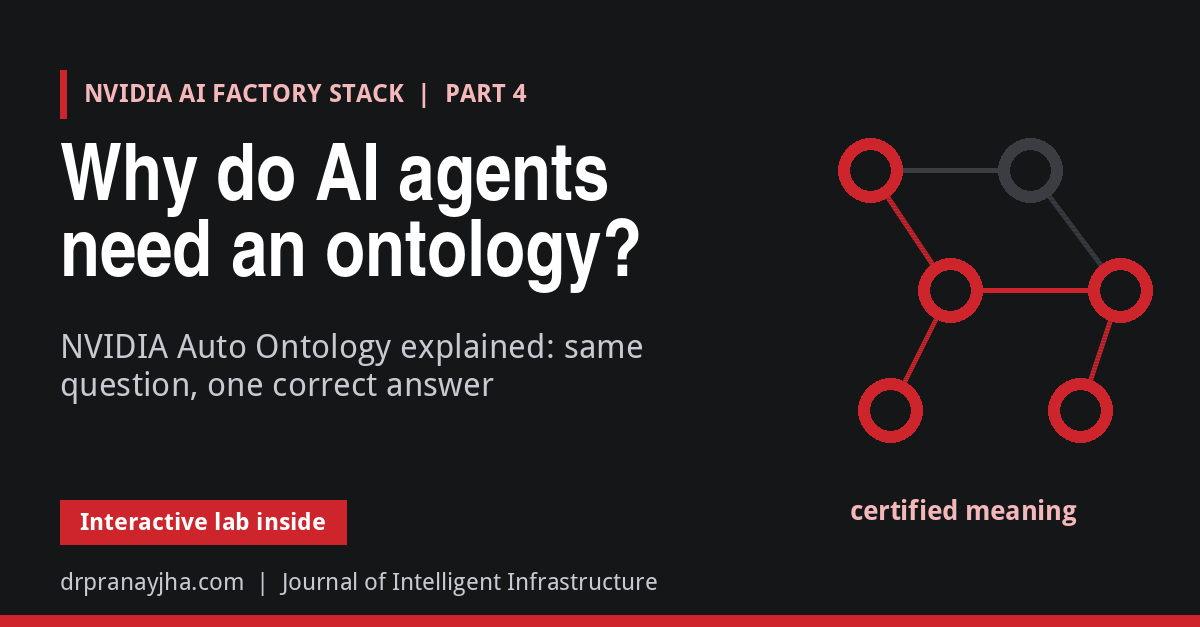
Why do AI agents need an ontology? NVIDIA Auto Ontology explained
NVIDIA Auto Ontology gives AI agents a certified map of what enterprise data means, so text-to-SQL answers use the right columns and joins and come back with their SQL. What the ontology holds, how it is generated and certified, how a question is answered, and how to connect agents over MCP.
-
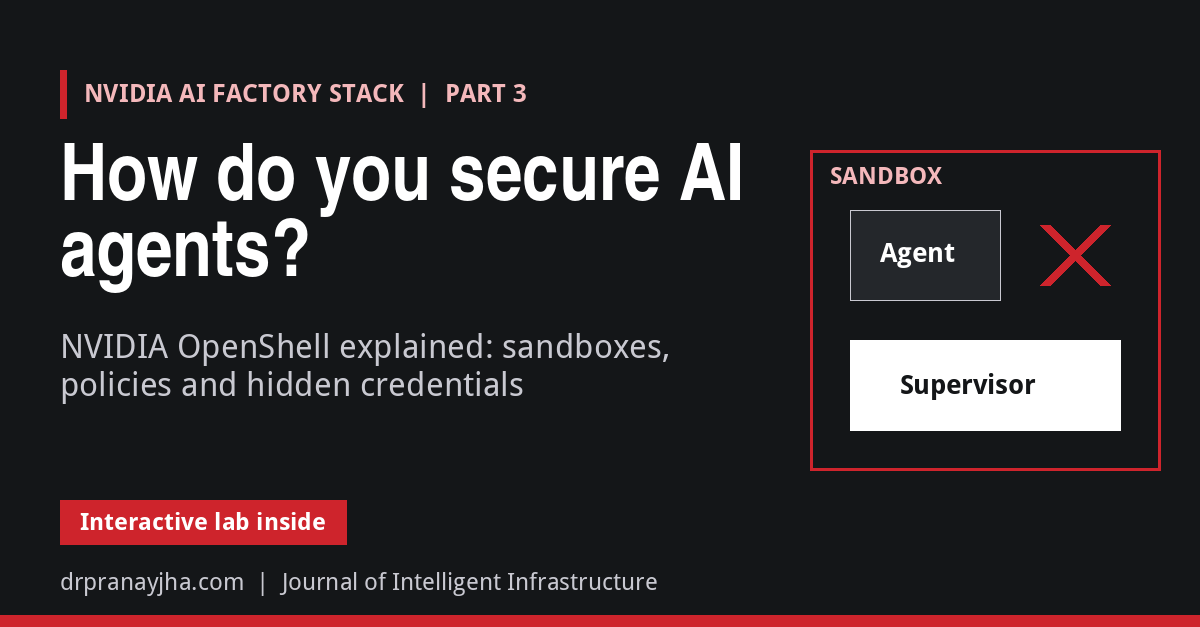
How do you secure AI agents? NVIDIA OpenShell explained
NVIDIA OpenShell runs each AI agent in a sandbox and checks every file access, system call and network connection against a policy the agent cannot change. How the gateway, supervisor and sandbox work, how credentials stay hidden, how the policy advisor and prover work, and how it runs on Kubernetes.
-
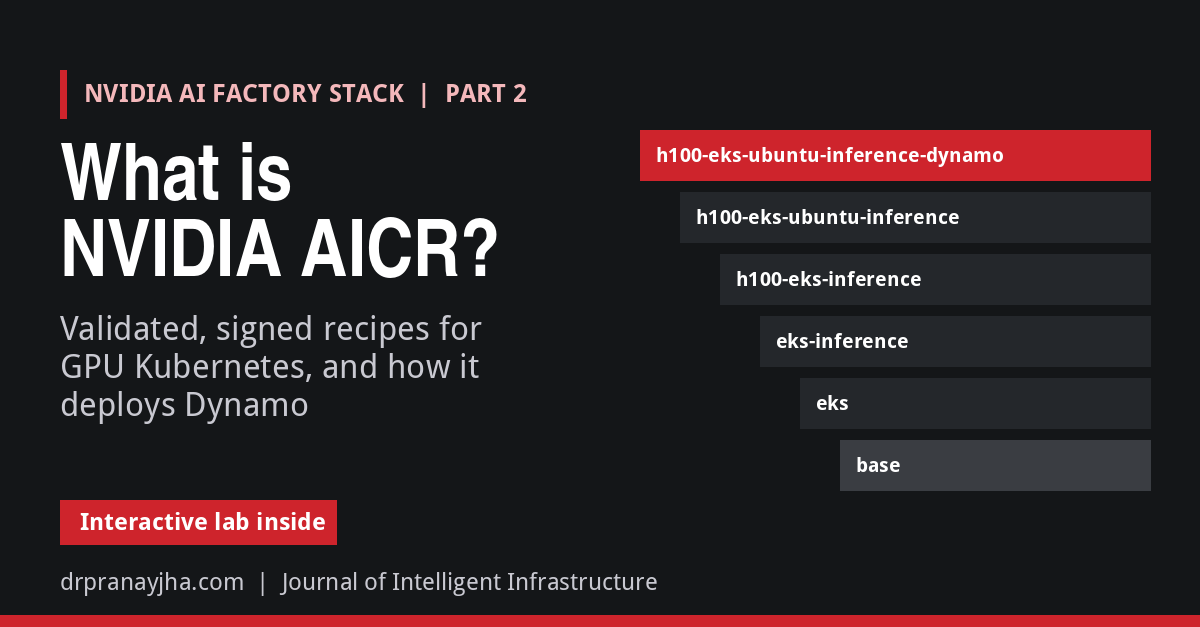
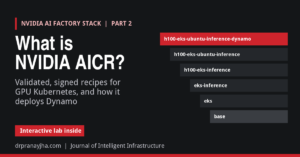
What is NVIDIA AICR? Validated recipes for GPU Kubernetes
NVIDIA AI Cluster Runtime (AICR) turns known-good GPU driver, operator and kernel combinations into signed, version-locked recipes. How recipes are built from overlays, how to generate, deploy and validate one, what the validation phases run, and how AICR deploys NVIDIA Dynamo.
-
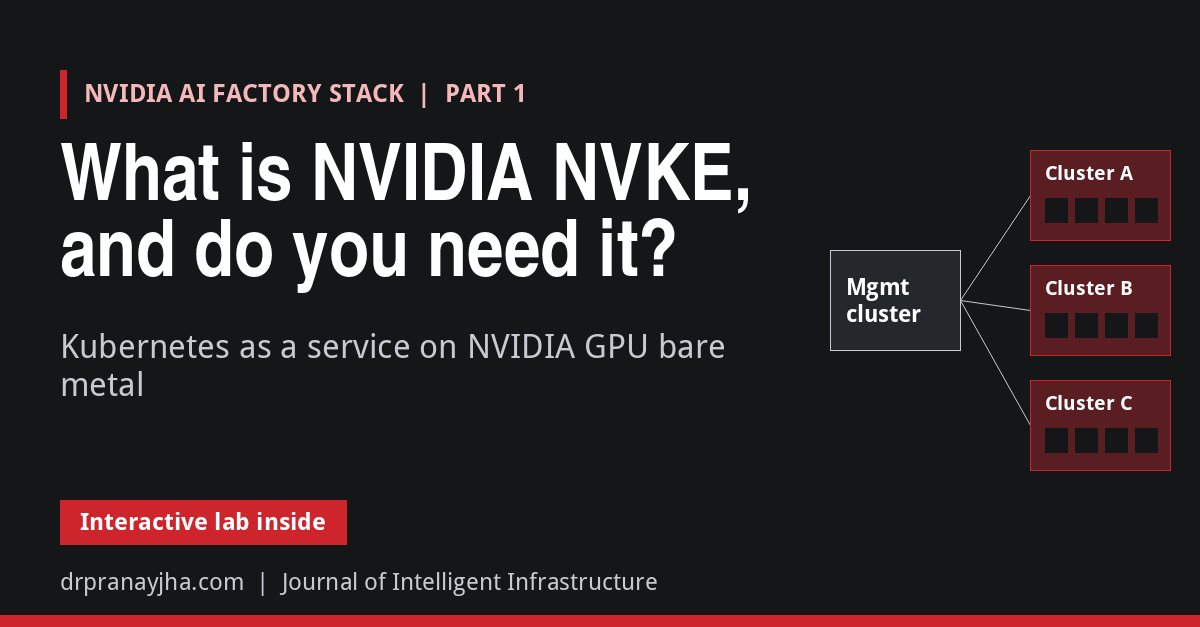
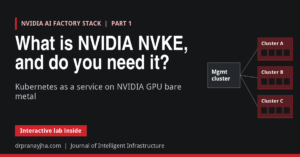
What is NVIDIA NVKE, and do you need it?
NVIDIA Kubernetes Engine (NVKE) is an open-source management plane for running Kubernetes as a service on NVIDIA GPU bare metal. How it builds clusters through NICo, how nodes prove their identity with TPMs, how to try it without GPUs, and what the preview still lacks.
-
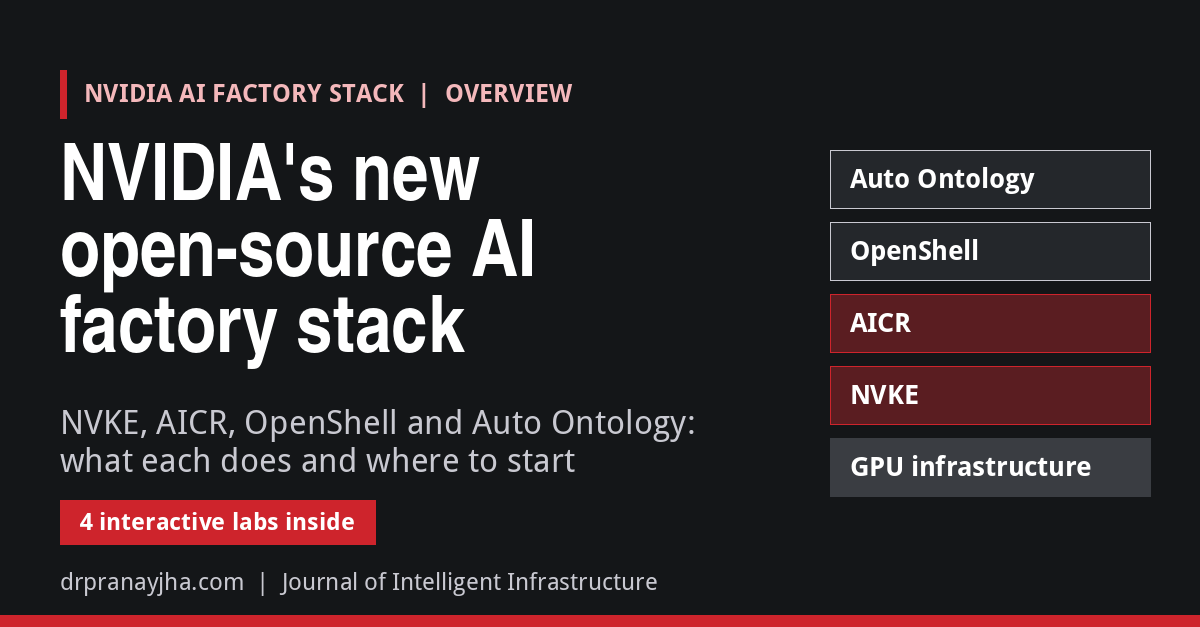
NVIDIA’s new open-source AI factory stack: NVKE, AICR, OpenShell and Auto Ontology
NVIDIA has open-sourced four projects that together form an AI factory stack: NVKE for GPU Kubernetes clusters, AICR for validated runtime recipes, OpenShell for governing AI agents, and Auto Ontology for trusted data context. What each does, how mature it is, and where to start.
-
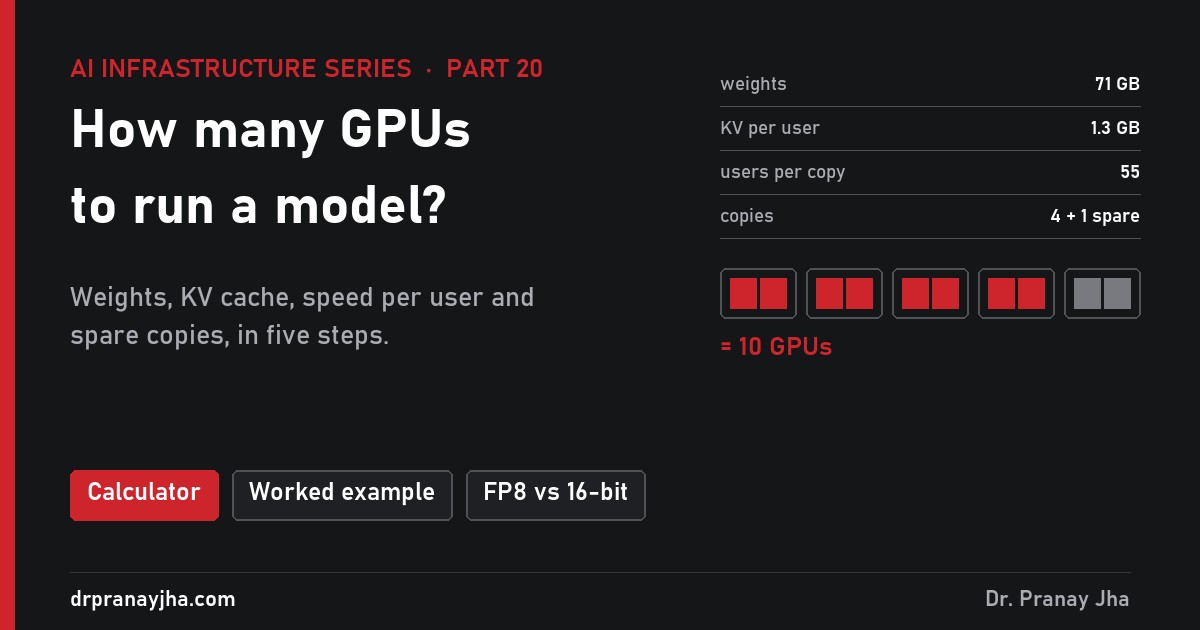
How many GPUs do you need to run a model?
A five-step method to size GPUs for serving an LLM: weights, KV cache per user, GPUs per copy, users per copy from memory and speed limits, and copies plus spares. With a worked Llama 3.1 70B example, a table of common setups and what the method leaves out.
-
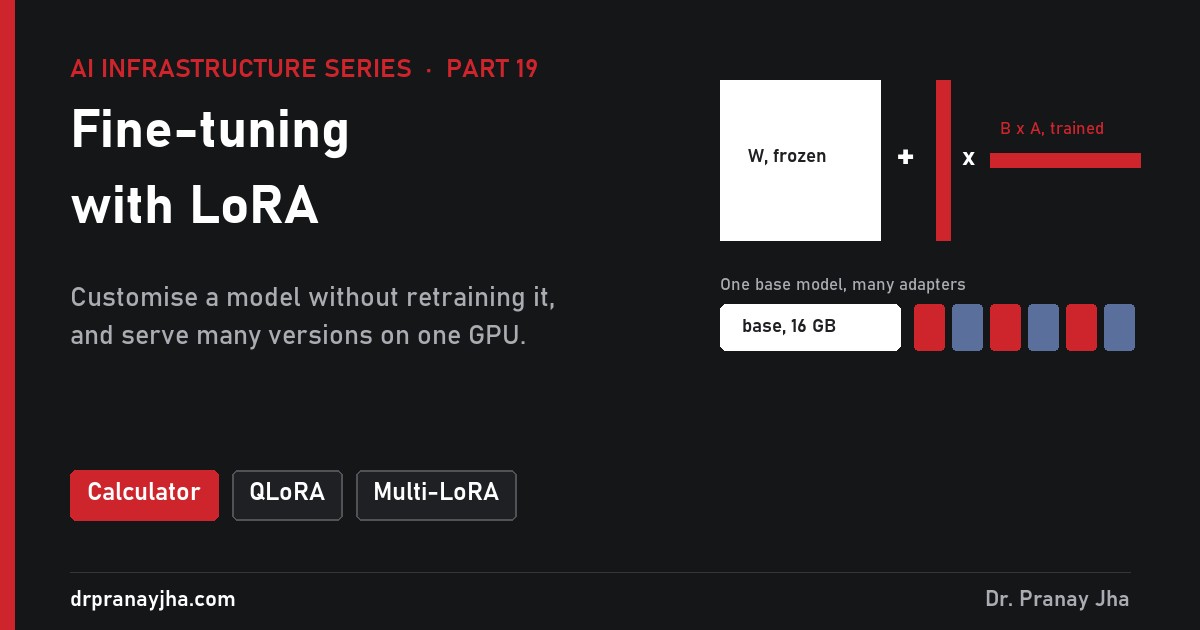
Fine-tuning with LoRA: how to customise a model without retraining it
How LoRA customises a model by training a small adapter next to frozen weights: when fine-tuning helps, how low-rank adapters work, GPU memory for full fine-tuning vs LoRA vs QLoRA, how to train an adapter, and serving many adapters on one base model with vLLM.
-
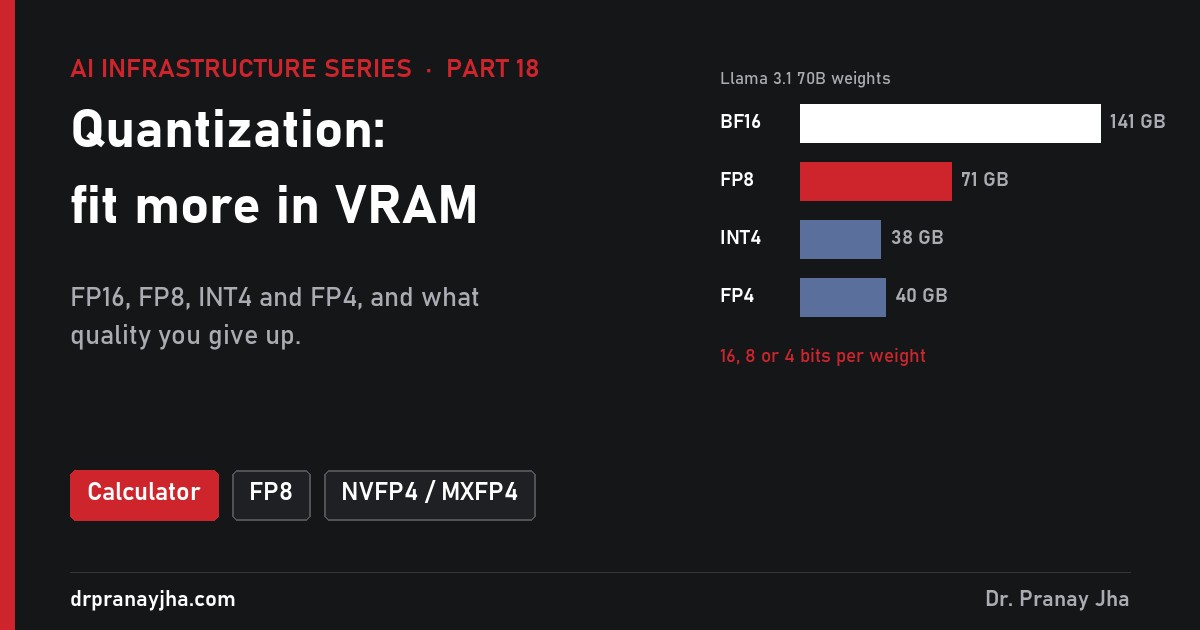
Quantization: how to fit a bigger model in less VRAM
How quantization shrinks LLM weights from 16-bit to 8-bit and 4-bit: the formula, why it speeds up decode, FP8, INT8, INT4, NVFP4 and MXFP4 explained, how much quality you lose, how to quantize a model and how to choose a format for your GPUs.
-
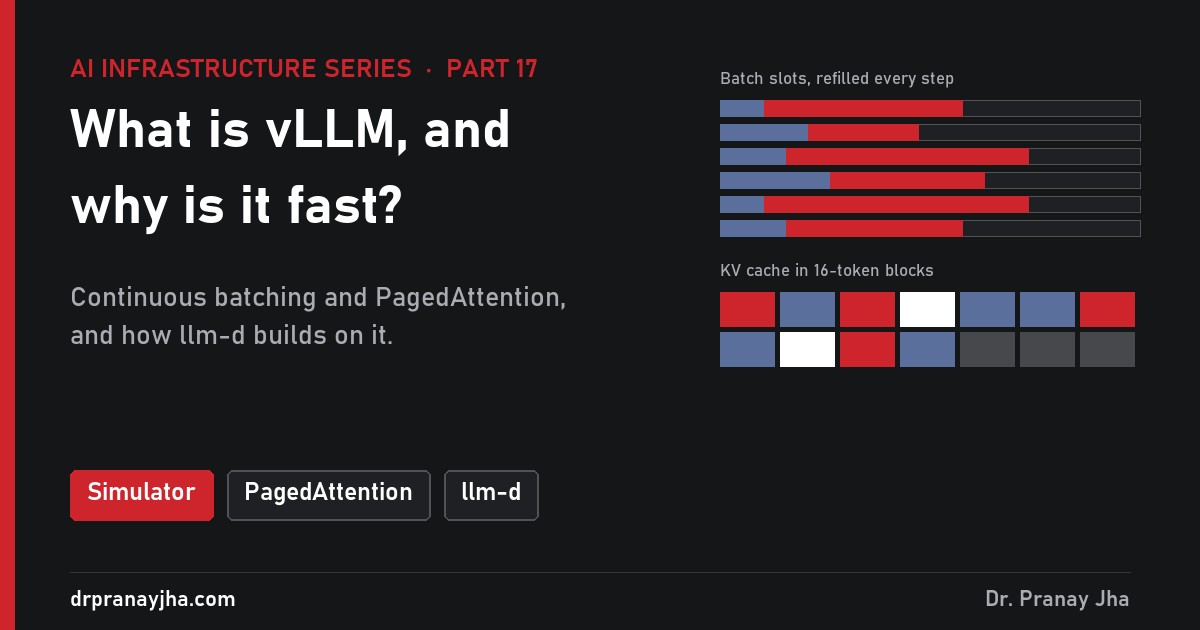
What is vLLM, and why is it fast?
vLLM explained for infrastructure teams: continuous batching, PagedAttention and the KV cache, prefix caching and other speed-ups, the settings that matter, and how llm-d adds cache-aware routing and split prefill and decode on top of vLLM.
-
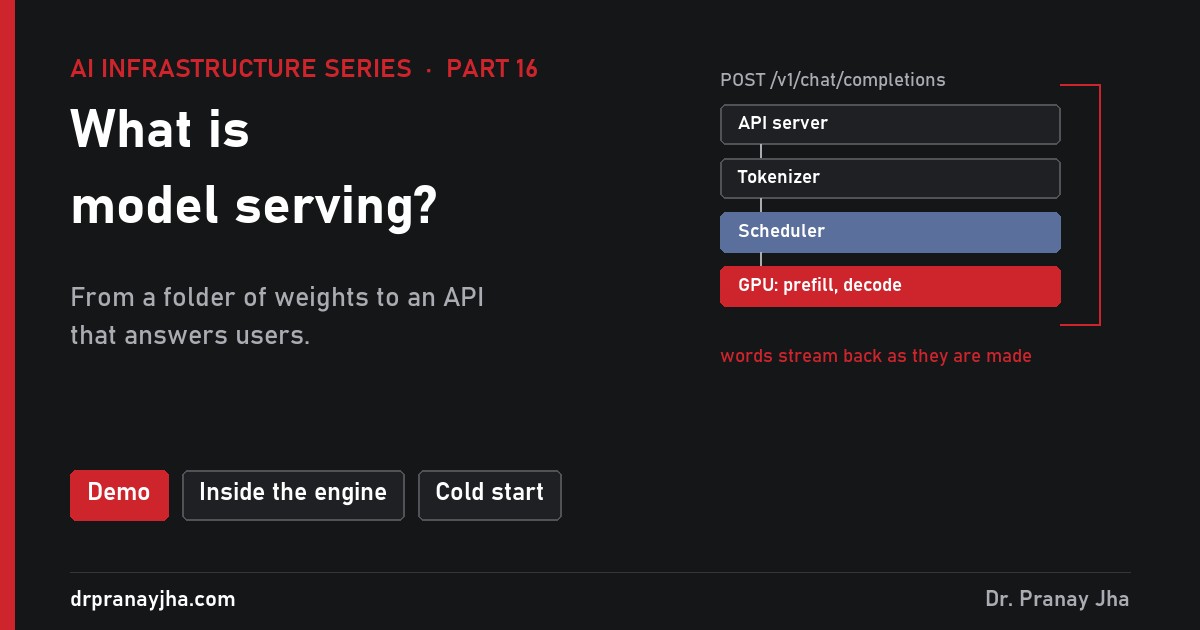
What is model serving? From a model file to an API
What turns a folder of model weights into an API: what is in a model file, what a serving engine does (API, tokenizer, scheduler, GPU workers, streaming), the main engines, what happens when a server starts, and what else production serving needs.
-
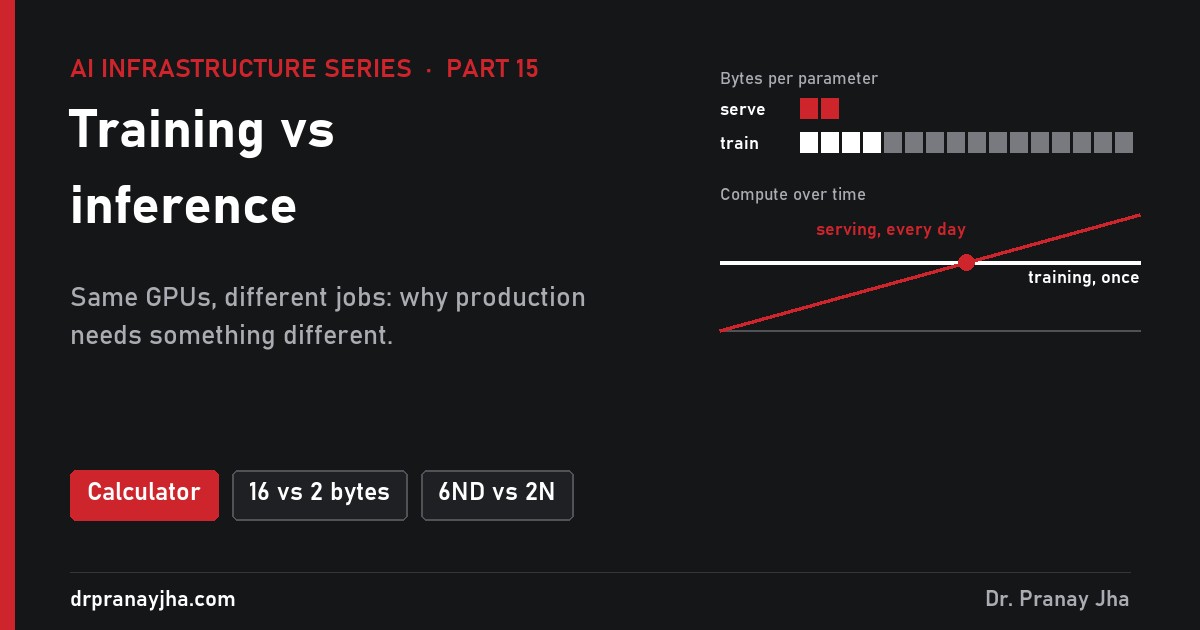
Training vs inference: why production needs something different
Training builds a model once; inference runs it every day. How the two differ in memory (16 bytes vs 2 bytes per parameter), compute, network and operations, when serving overtakes training, and what production inference needs.
Architect’s Toolkit
PJ’s Tools
- Infra 360 Hub – All Series
- VCF Exam Practice Labs
- VCF 9 Interactive Walkthroughs
- VCF Design Cheatsheet
- VCF Upgrade Planner
- VCF 9 Series Hub
- VCF Deployment Hub
- AI Stack Hub
- AI Infra Sizing & Cost Calculator
- LLM & RAG Cost Calculator
- DrJhaGPT – Ask Pranay
VMware Cloud Foundation
- VCF Documentation
- VCF 9 Planning & Preparation Workbook
- VCF Bill of Materials (BoM)
- VMware Compatibility Guide
- VMware Interoperability Matrix
- VMware Configuration Maximums
- VMware Ports & Protocols
- VMware Hands-on Labs
- RVTools Download
Nutanix
AI & Cloud-Native Platform
- NVIDIA Build (Model Catalog)
- NVIDIA AI Enterprise Reference Architecture
- NVIDIA NIM Performance Benchmarking
- NVIDIA NGC Catalog
- NeMo Microservices Helm Chart
- Helm Charts Repository
- Hugging Face Models
Architecture & Design
About the Author

Dr Pranay Jha
Dr. Pranay Jha is a Cloud and AI Consultant with 18+ years of experience in hybrid cloud, virtualization, and enterprise infrastructure transformation. He specializes in VMware technologies, multi-cloud strategy, and Generative AI solutions. He holds a PhD in Computer Applications with research focused on Cloud and AI, has published multiple research papers, and has been a VMware vExpert since 2016 and a VMUG Community Leader.
You May Have Missed

 DrJha