
Category: VMware & Cloud
-
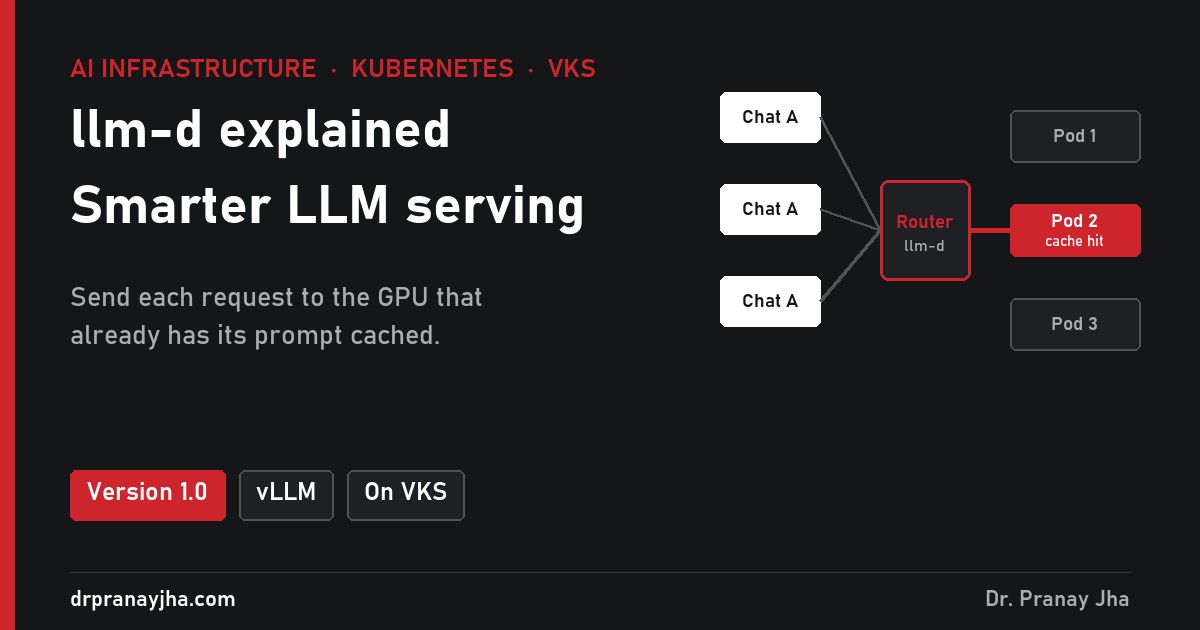
llm-d explained: smarter LLM serving on Kubernetes, and what it takes on VKS
llm-d routes each LLM request to the best vLLM pod on Kubernetes, reusing cached prompts and sharing GPUs fairly. What it does, what changed in 1.0, and what to check before running it on VMware VKS.
-
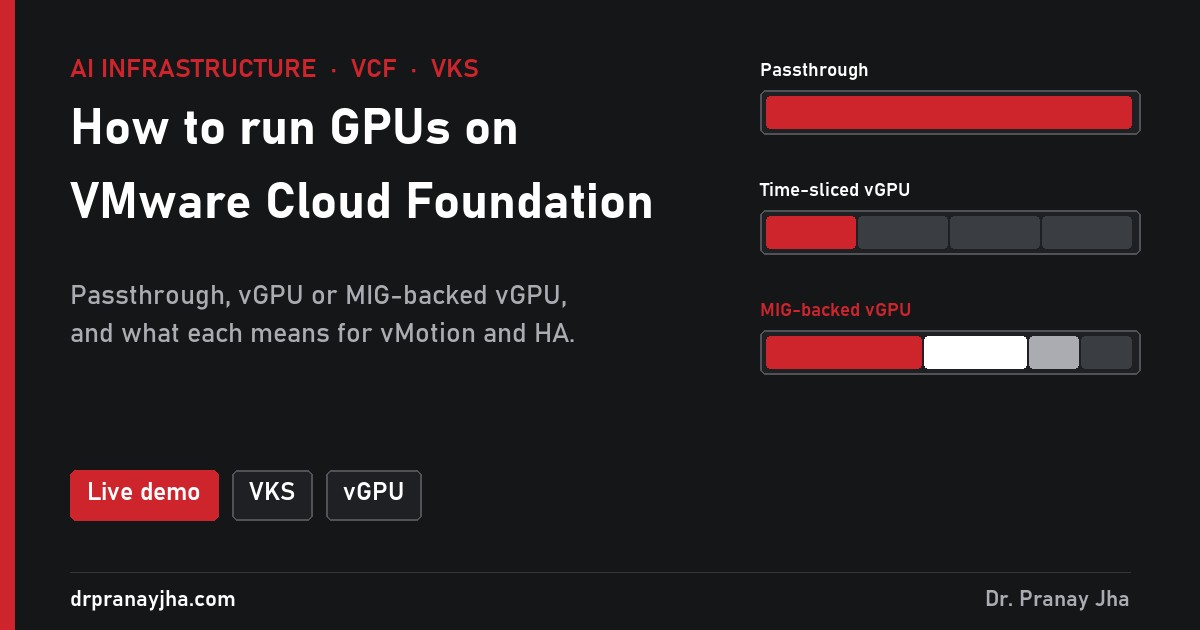
How to run GPUs on VMware Cloud Foundation
Passthrough, time-sliced vGPU or MIG-backed vGPU: the first GPU decision on VMware Cloud Foundation decides density, vMotion and HA. The same nine workloads tested all three ways, plus the setup from ESX host to VKS GPU pod. With a live demo.
-
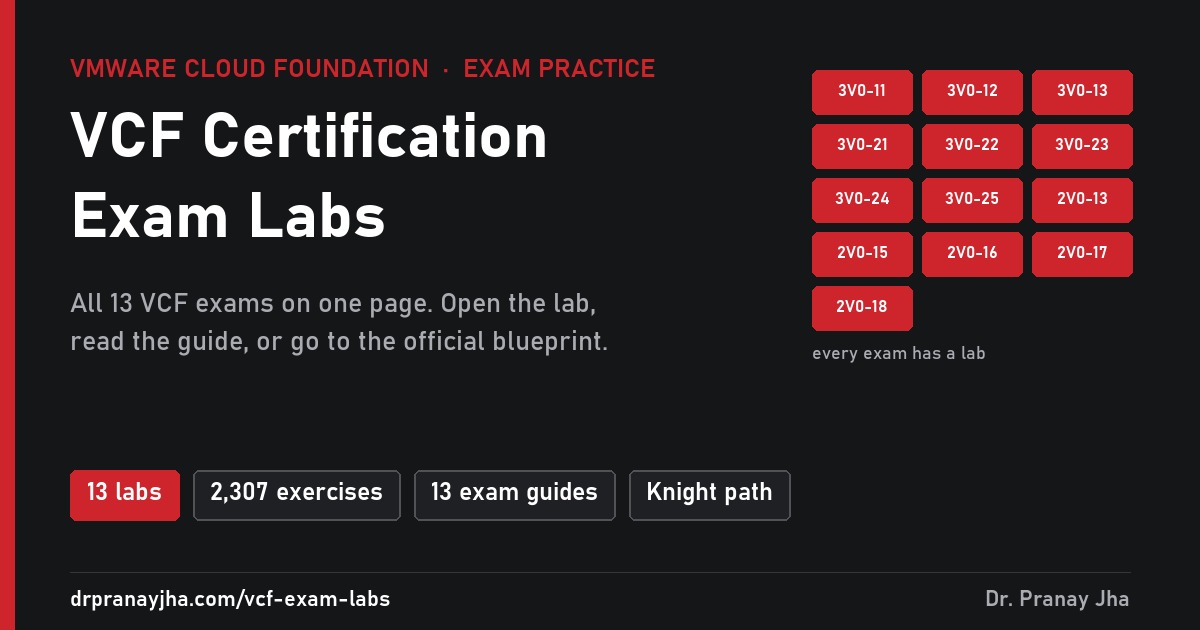
Free Hands-On Labs for All VMware VCF Certification Exams
Every VMware Cloud Foundation certification exam now has a free practice lab: all eight VCAP and all five VCP exams, 2,307 tasks and design exercises written against the official blueprints. Pick yours from one page.
-
100 Lab Tasks for the VCP-VVF Support Exam (2V0-18.25)
Every objective in exam 2V0-18.25 is troubleshooting vSphere Foundation 9.0, from a failed deployment to a workflow that will not run. 100 lab tasks that ask you to create each fault and then diagnose it, mapped to all nine objectives.
-
138 Lab Tasks for the VCP-VVF Administrator Exam (2V0-16.25)
Exam 2V0-16.25 tests whether you can deploy, configure and run VMware vSphere Foundation 9.0: vSphere, vSAN, encryption and content libraries, then the Supervisor, VCF Operations and VCF Operations for logs. 138 hands-on lab tasks mapped to every objective.
-
163 Lab Tasks for the VCP-VCF Support Exam (2V0-15.25)
Every objective in exam 2V0-15.25 is troubleshooting, from a failed VCF 9.0 deployment to a stuck HCX migration. 163 lab tasks that ask you to create each fault and then diagnose it, mapped to all eleven objectives.
-
165 Lab Tasks for the VCP-VCF Administrator Exam (2V0-17.25)
Exam 2V0-17.25 tests whether you can deploy, configure and run VCF 9.0: compute, storage and networking fundamentals, then VCF deployment, fleet management, VCF Operations and VCF Automation. 165 hands-on lab tasks mapped to every objective.
-
158 Design Exercises for the VCP-VCF Architect Exam (2V0-13.25)
Exam 2V0-13.25 tests design, not configuration. All twenty objectives sit in architecture, products and design, so this workbook is 158 written design exercises mapped to every objective, written against VCF 9.0.
-
Attention Is All You Need: the 2017 paper that changed AI strategy and the IT industry
How the 2017 Transformer paper made AI parallel, turned AI budgets into GPU, memory, network and power decisions, and changed research, business, jobs and the wider IT industry.
-
214 Hands-On Tasks for the VCAP VCF Support Exam (3V0-13.26)
The mirror of the Administrator exam: every objective sits under Troubleshoot and Optimise and nothing else. A workbook of 214 tasks across compute, storage, Automation, VKS, Operations and NSX, built on creating the fault before you diagnose it.
-
214 Hands-On Tasks for the VCAP VCF Storage Exam (3V0-23.25)
The broadest of the advanced VCF exams: thirty-four objectives, no sub-objectives, and every one of the five blueprint sections filled. A workbook of 214 tasks across vSAN architecture, design, build and troubleshooting.
-
204 Hands-On Tasks for the VCAP VCF Operations Exam (3V0-22.25)
Every objective in 3V0-22.25 sits in one blueprint section, and the sixteen of them carry eighty-three sub-objectives, fifteen in capacity alone. A workbook of 204 tasks, each linked to its steps and a diagram.
Architect’s Toolkit
PJ’s Tools
- Infra 360 Hub – All Series
- VCF Exam Practice Labs
- VCF 9 Interactive Walkthroughs
- VCF Design Cheatsheet
- VCF Upgrade Planner
- VCF 9 Series Hub
- VCF Deployment Hub
- AI Stack Hub
- AI Infra Sizing & Cost Calculator
- LLM & RAG Cost Calculator
- DrJhaGPT – Ask Pranay
VMware Cloud Foundation
- VCF Documentation
- VCF 9 Planning & Preparation Workbook
- VCF Bill of Materials (BoM)
- VMware Compatibility Guide
- VMware Interoperability Matrix
- VMware Configuration Maximums
- VMware Ports & Protocols
- VMware Hands-on Labs
- RVTools Download
Nutanix
AI & Cloud-Native Platform
- NVIDIA Build (Model Catalog)
- NVIDIA AI Enterprise Reference Architecture
- NVIDIA NIM Performance Benchmarking
- NVIDIA NGC Catalog
- NeMo Microservices Helm Chart
- Helm Charts Repository
- Hugging Face Models
Architecture & Design
About the Author

Dr Pranay Jha
Dr. Pranay Jha is a Cloud and AI Consultant with 18+ years of experience in hybrid cloud, virtualization, and enterprise infrastructure transformation. He specializes in VMware technologies, multi-cloud strategy, and Generative AI solutions. He holds a PhD in Computer Applications with research focused on Cloud and AI, has published multiple research papers, and has been a VMware vExpert since 2016 and a VMUG Community Leader.
You May Have Missed






 DrJha
DrJha