

AI infrastructure · Kubernetes · VMware Cloud Foundation · Series summary
Over ten posts this series went through everything it takes to run GPUs well on Kubernetes and VMware Cloud Foundation, each with a live demo. This last part pulls it together: the one lesson from each part, the order to tackle them in, and a 61-point scorecard that tells you what to fix next on your own platform.
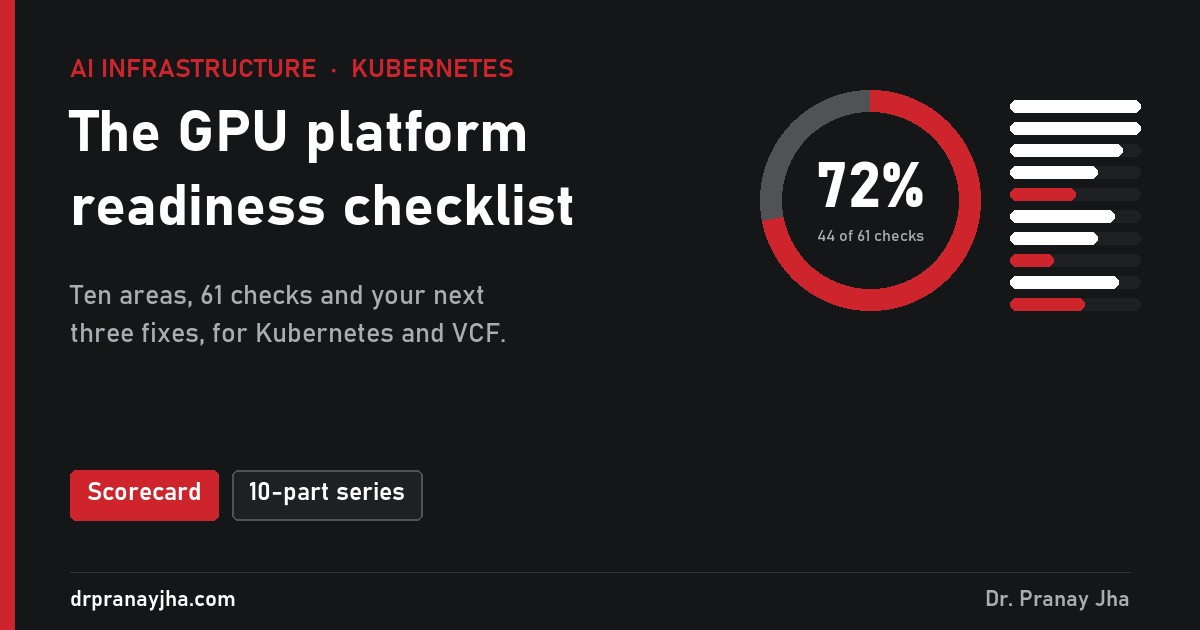
Tick the 61 checks your GPU platform already passes. You get a score per area and your next three fixes, each linked to the post and demo that explain it.
The orderWhere to start
You do not need all ten areas on day one. This is the order that works, because each stage depends on the one before it:
Running on VMware Cloud Foundation? Part 10 applies from the start, because the GPU mode you pick shapes every stage.
The seriesTen parts, ten lessons
A GPU can read 100% utilised while its tensor cores are 12% busy. Alert on Xid errors, and on a GPU that stops reporting.
The most important GPU errors are in the kernel log, which kubectl logs never shows. Ship it off the node before a reboot wipes it.
Every change follows cordon, drain, validate. A repaired node is validated like a brand new one before it takes work again.
Time-slicing shares memory with no limits, so a neighbour can crash you. MIG is the only hard isolation inside one GPU.
Two half-placed training jobs held 8 GPUs doing nothing. Kueue admits whole jobs against team quotas, and lends idle quota.
A $3.00 list price became $6.38 per useful GPU-hour. Owning beats renting only above about 56% of hours allocated.
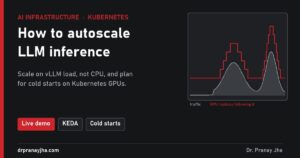
The default autoscaler on CPU left 77% of requests slow. Scale on vLLM’s own queue, and plan for minutes of cold start.
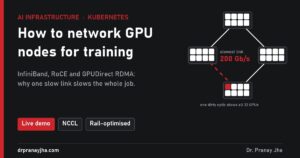
One cable at half speed made a whole training job 53% slower, with no error. Test every node pair with nccl-tests.
A 70B checkpoint is 980 GB. On NFS each save stopped 1,024 GPUs for 8 minutes. Save asynchronously, at an interval set by your crash rate.
The patternWhat all ten have in common
Almost every problem in this series had the same shape: GPUs that are allocated but not working, and nothing in Kubernetes or vSphere raising an error about it. A half-placed job, an idle notebook, a slow cable, a checkpoint save, a throttled card, a replica still loading its model. None of them crash. They just quietly turn expensive GPU hours into waiting.
So the platform’s job is to make that waste visible (stage 1), stop creating it during changes (stage 2), stop teams holding GPUs they do not use (stage 3), and keep it from growing as you scale (stage 4). The scorecard is a way to check you have done each of those.
Your ticks are saved in your own browser, and the “Copy summary” button gives you a text version to share with your team.
Every number above comes from the simulated demos in each part. They are illustrative, chosen to show how each system behaves, not benchmarks of any product.
About The Author



 DrJha
DrJha