
Category: Tech Notes
-
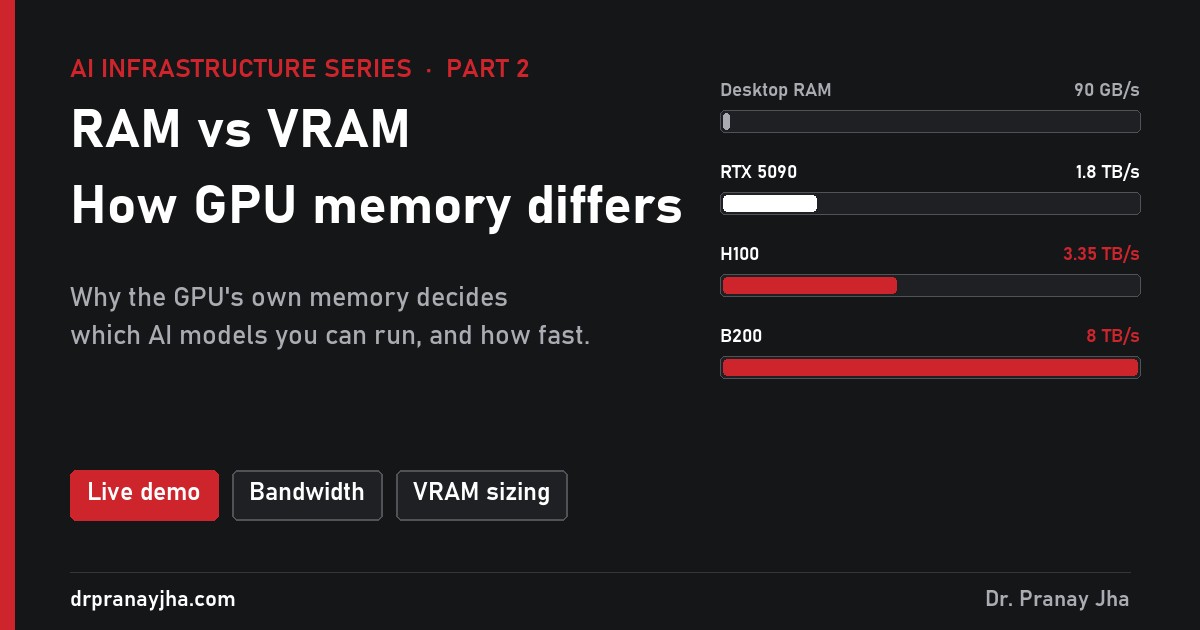
RAM vs VRAM: how is GPU memory different?
RAM belongs to the CPU, VRAM to the GPU. For AI the difference decides which models you can run and how fast they answer. Bandwidth, capacity, what happens when a model does not fit, and how much you need.
-
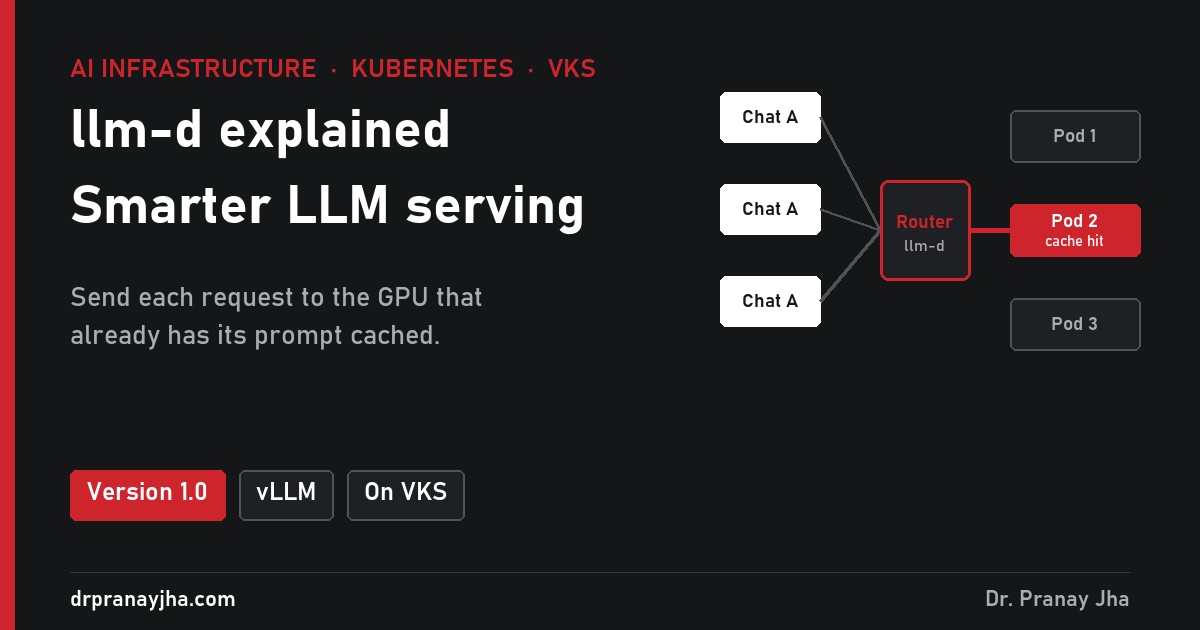
llm-d explained: smarter LLM serving on Kubernetes, and what it takes on VKS
llm-d routes each LLM request to the best vLLM pod on Kubernetes, reusing cached prompts and sharing GPUs fairly. What it does, what changed in 1.0, and what to check before running it on VMware VKS.
-
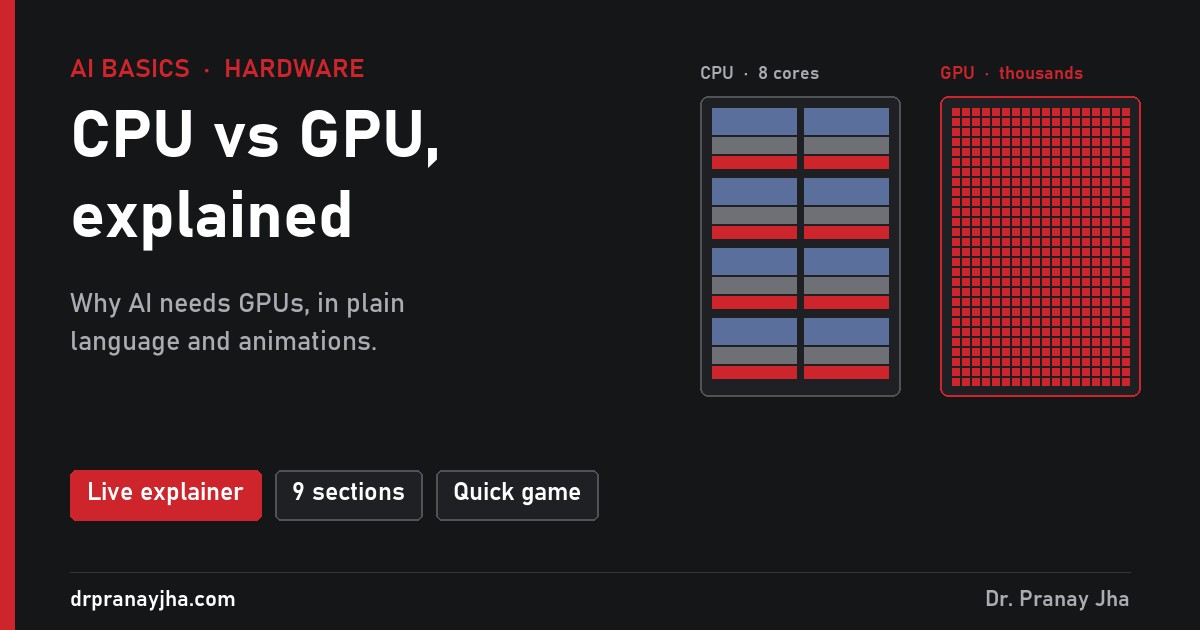
CPU vs GPU: what is the difference, and why does AI need GPUs?
A plain-language answer to the common CPU vs GPU questions: why the two chips are designed differently, why many open apps is a different kind of parallel, why AI needs GPUs, whether AI can run on a CPU, and why GPUs use more power.
-
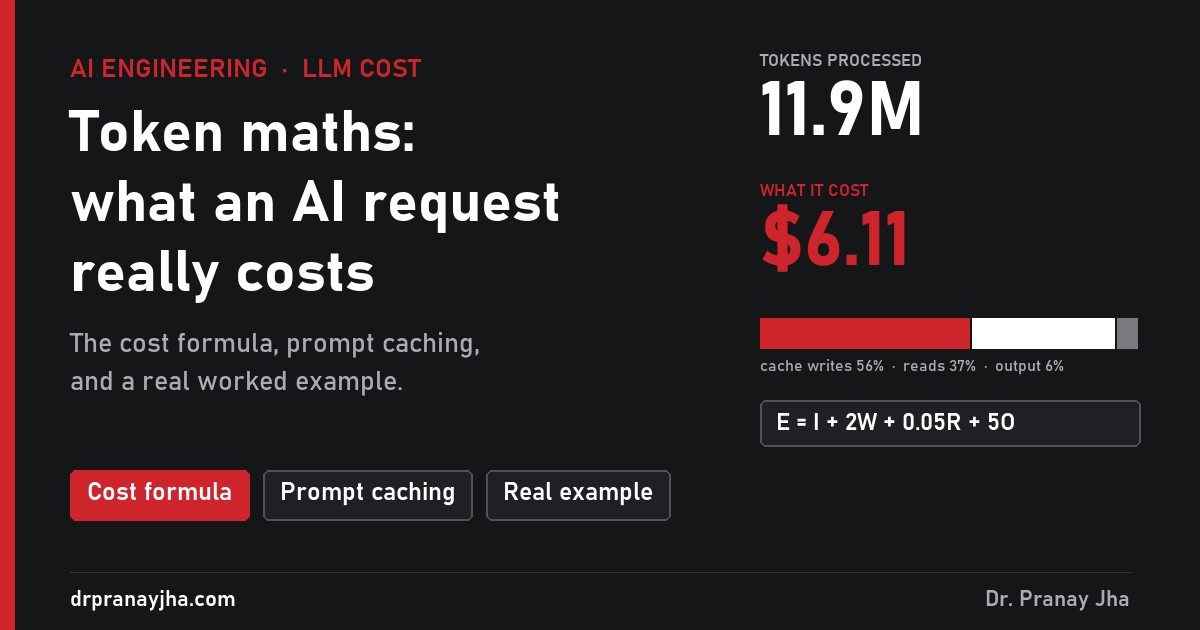
Token maths: how to calculate what an AI request really costs
How AI token billing works: the four meters, the cost formula, why long conversations get expensive, when prompt caching pays, and a real task where 12 million tokens cost $6.11.
-
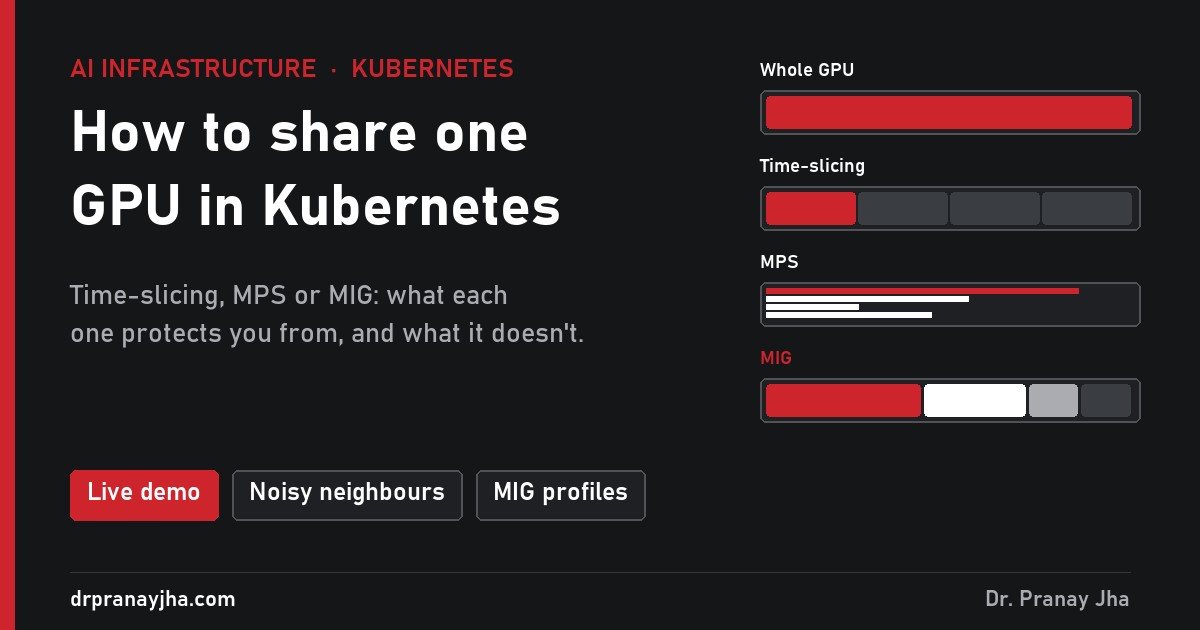
How to share one GPU between workloads in Kubernetes
Kubernetes hands out GPUs in whole numbers, so a notebook using 4% of an H100 holds the whole card. Time-slicing, MPS and MIG compared: what each protects you from, how to choose, and how to turn it on. With a live demo.
-
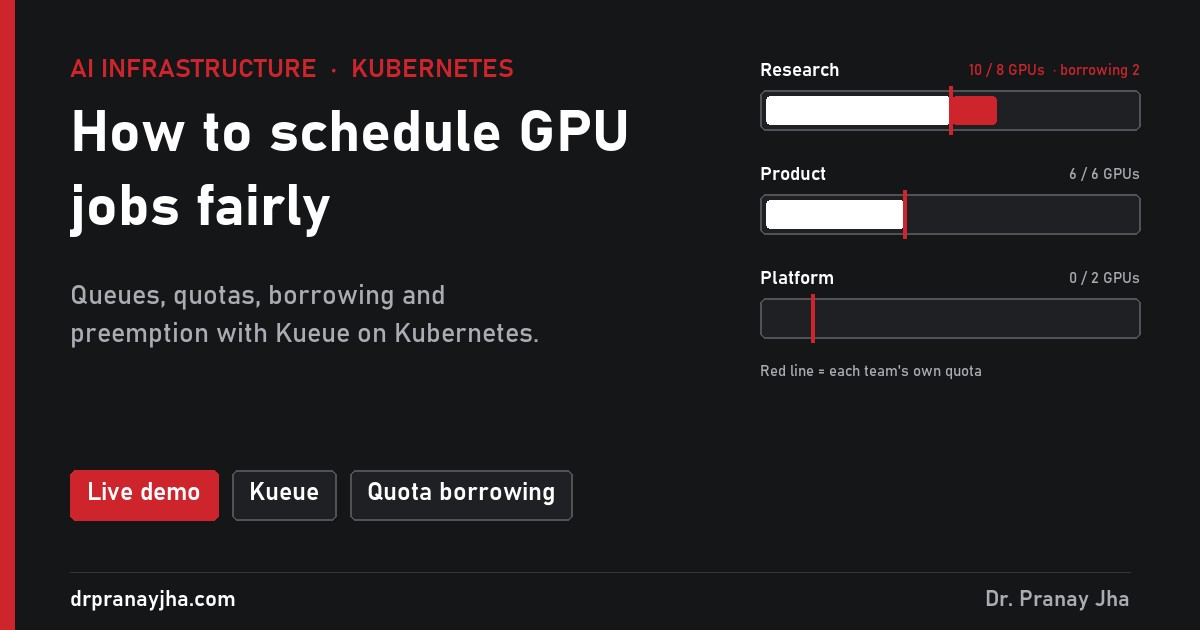
How to schedule GPU jobs fairly in Kubernetes
The default Kubernetes scheduler places pods one at a time, so multi-GPU jobs half-start and hold idle GPUs, and one team can take everything. How Kueue fixes it with queues, quotas, borrowing and preemption, with a live demo.
-
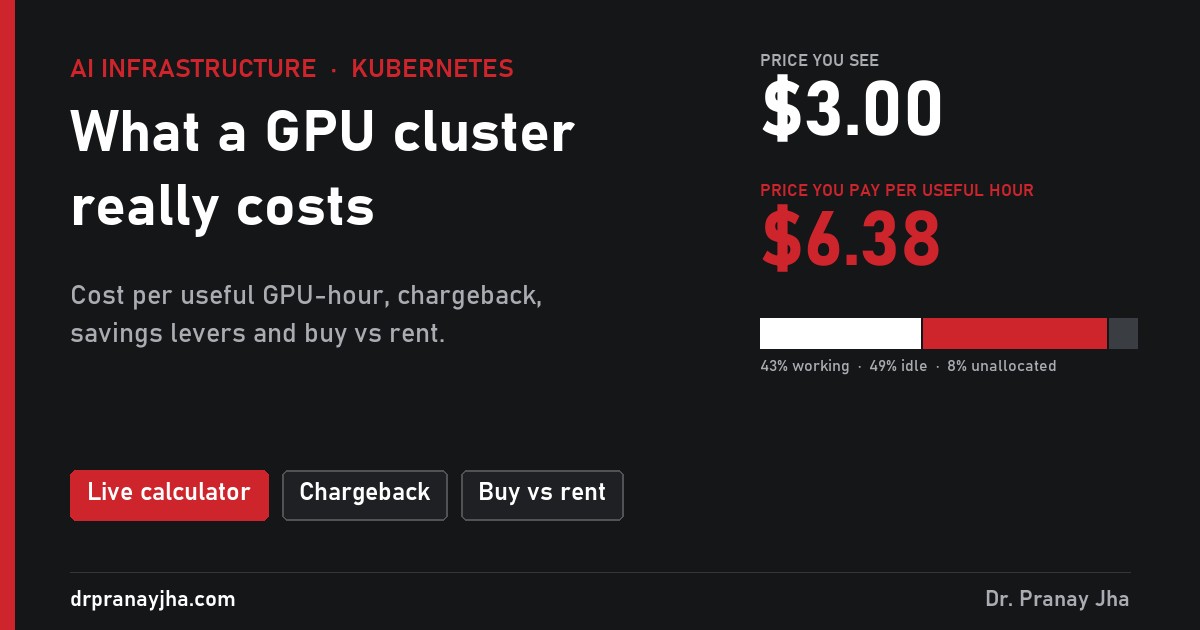
What a GPU cluster really costs, and how to cut it
Cost per useful GPU-hour, chargeback by allocation or by use, four savings levers and the buy-versus-rent break-even, worked through for 16 H100s shared by three teams. With a live calculator.
-
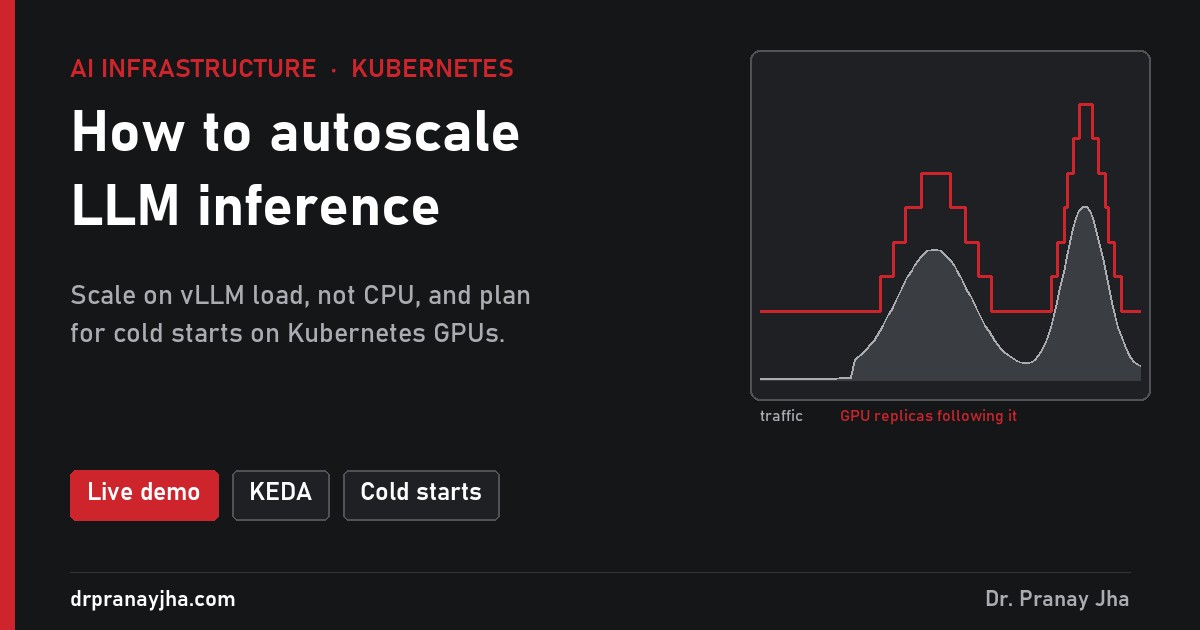
How to autoscale LLM inference on Kubernetes GPUs
The default autoscaler watches CPU, which barely moves when a GPU is full, and a new GPU replica can take ten minutes to start. Which vLLM metric to scale on, how to handle cold starts, and when scale-to-zero makes sense. With a live demo.
-
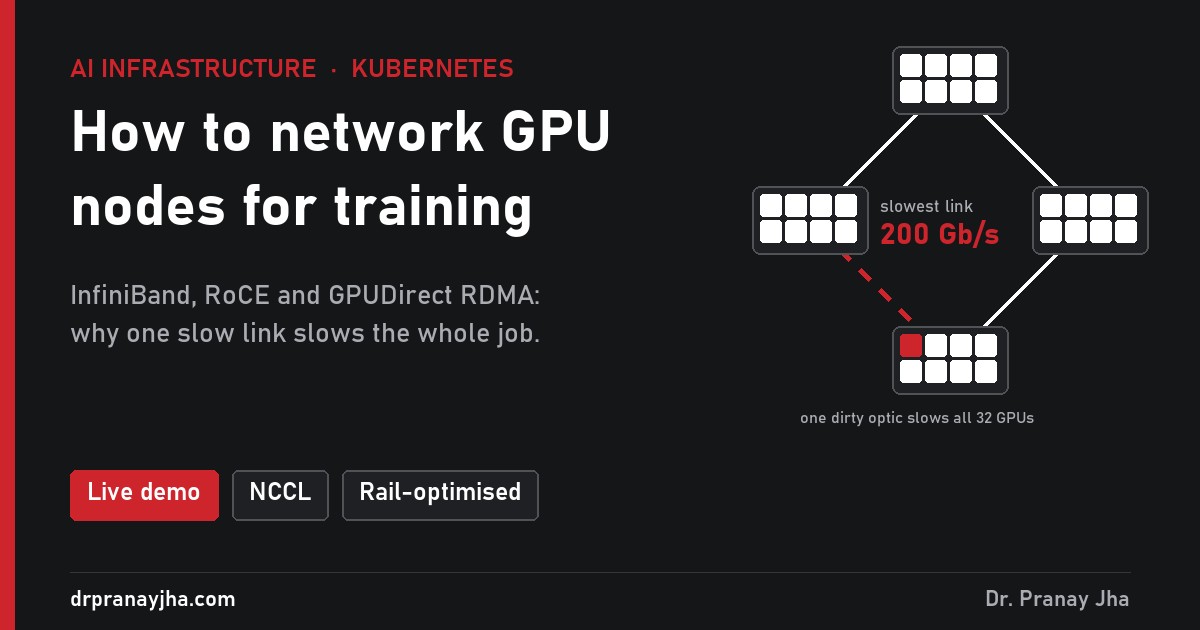
How to network GPU nodes for multi-node training
Multi-node training swaps gradients after every step, so the slowest link sets the pace for every GPU. InfiniBand vs RoCE vs TCP, rail-optimised topology, GPUDirect RDMA, the Kubernetes pieces and how to prove it with nccl-tests. With a live demo.
-
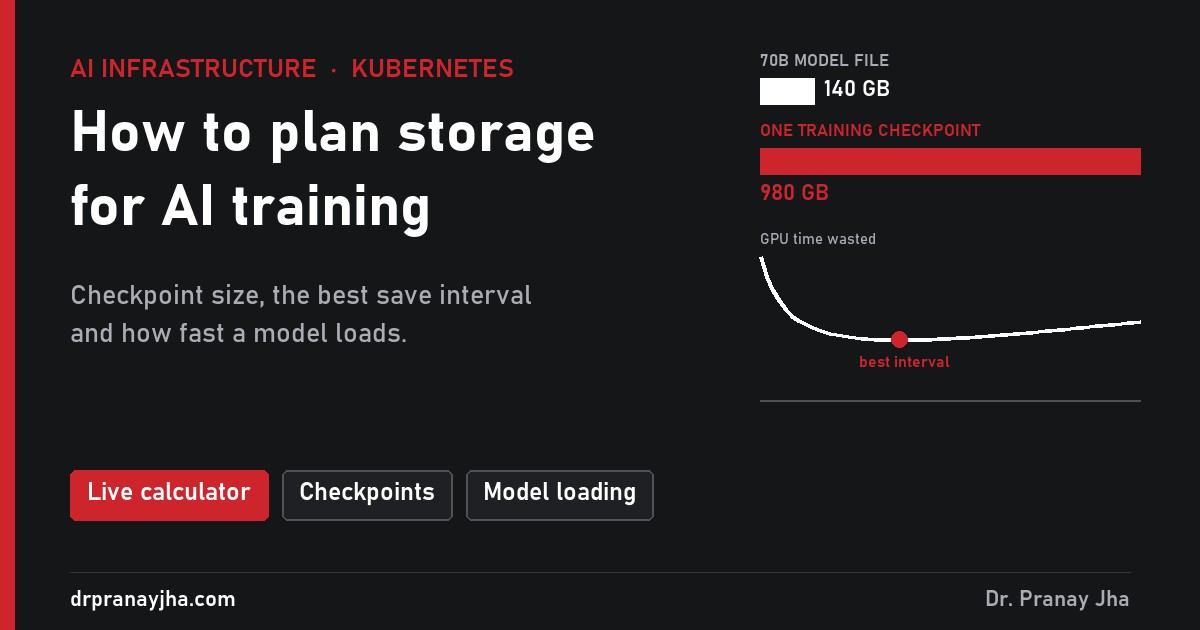
How to plan storage for AI training and inference
A training checkpoint is about 14 bytes per parameter, nearly 1 TB for a 70B model, and large jobs crash every day or two. How big checkpoints are, how often to save them, which storage keeps up and how fast models load for inference. With a live calculator.
-
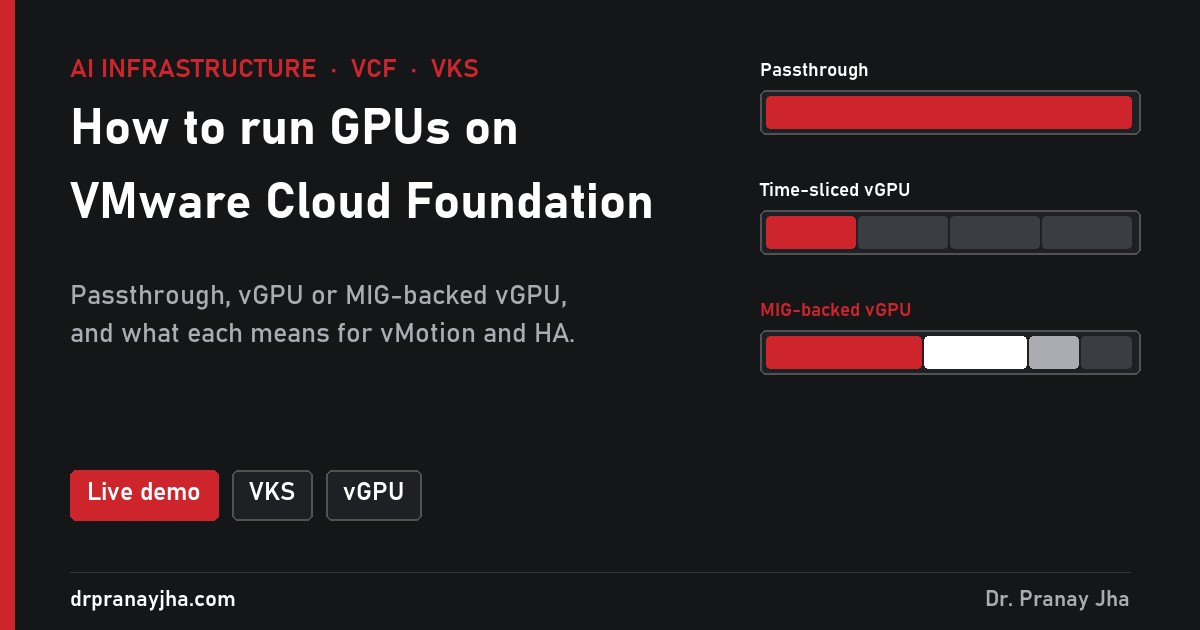
How to run GPUs on VMware Cloud Foundation
Passthrough, time-sliced vGPU or MIG-backed vGPU: the first GPU decision on VMware Cloud Foundation decides density, vMotion and HA. The same nine workloads tested all three ways, plus the setup from ESX host to VKS GPU pod. With a live demo.
-
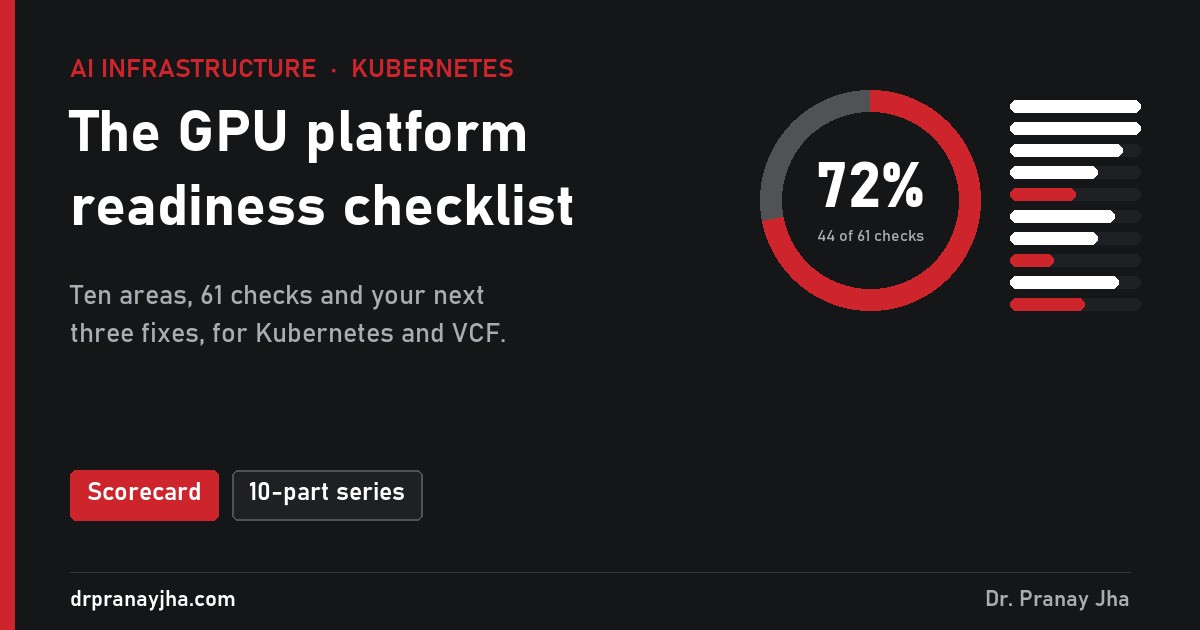
The GPU platform readiness checklist
The summary of a ten-part series on running GPUs on Kubernetes and VMware Cloud Foundation: one lesson from each part, the order to tackle them in, and a 61-point scorecard that gives you your next three fixes.
Architect’s Toolkit
PJ’s Tools
- Infra 360 Hub – All Series
- VCF Exam Practice Labs
- VCF 9 Interactive Walkthroughs
- VCF Design Cheatsheet
- VCF Upgrade Planner
- VCF 9 Series Hub
- VCF Deployment Hub
- AI Stack Hub
- AI Infra Sizing & Cost Calculator
- LLM & RAG Cost Calculator
- DrJhaGPT – Ask Pranay
VMware Cloud Foundation
- VCF Documentation
- VCF 9 Planning & Preparation Workbook
- VCF Bill of Materials (BoM)
- VMware Compatibility Guide
- VMware Interoperability Matrix
- VMware Configuration Maximums
- VMware Ports & Protocols
- VMware Hands-on Labs
- RVTools Download
Nutanix
AI & Cloud-Native Platform
- NVIDIA Build (Model Catalog)
- NVIDIA AI Enterprise Reference Architecture
- NVIDIA NIM Performance Benchmarking
- NVIDIA NGC Catalog
- NeMo Microservices Helm Chart
- Helm Charts Repository
- Hugging Face Models
Architecture & Design
About the Author
Dr Pranay Jha
Dr. Pranay Jha is a Cloud and AI Consultant with 18+ years of experience in hybrid cloud, virtualization, and enterprise infrastructure transformation. He specializes in VMware technologies, multi-cloud strategy, and Generative AI solutions. He holds a PhD in Computer Applications with research focused on Cloud and AI, has published multiple research papers, and has been a VMware vExpert since 2016 and a VMUG Community Leader.
You May Have Missed

 DrJha