
Category: AI Stack
-
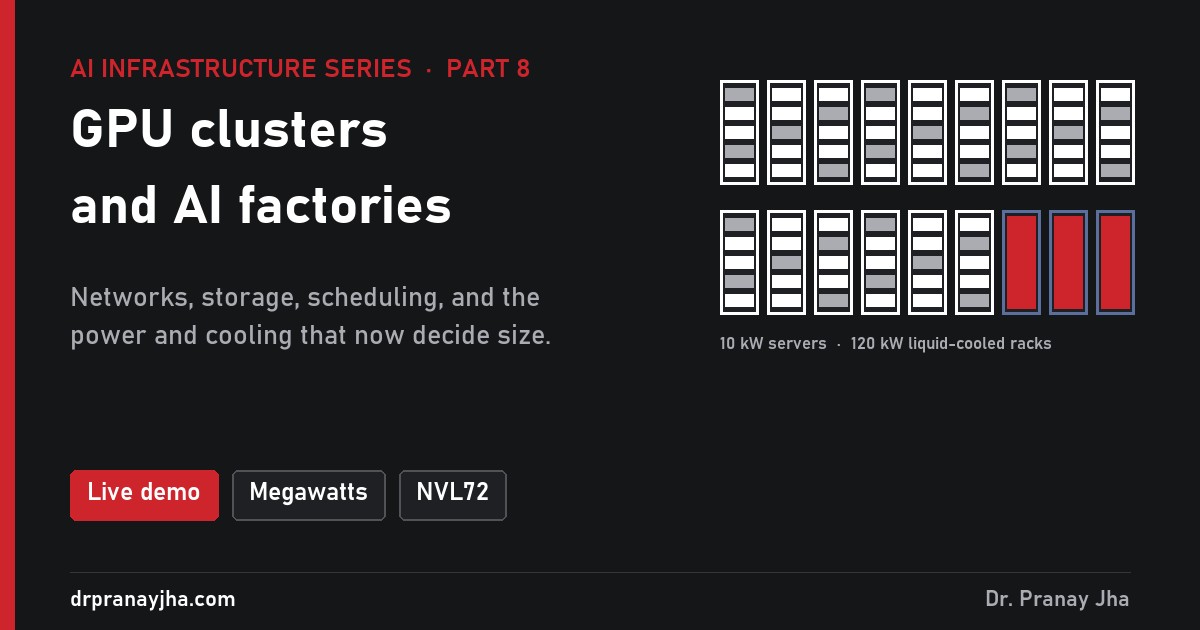
What is a GPU cluster, and what is an AI factory?
A GPU cluster is far more than GPUs: scale-up and compute networks, storage, scheduling, and power and cooling that now decide more than chips do. What goes into one, how rail-optimised networks work, and what NVIDIA means by an AI factory.
-

How does GPU memory limit the size of a model?
How to add up the GPU memory a model needs: weights, KV cache and runtime when you run it, plus gradients, optimizer state and activations when you train it, and how LoRA and QLoRA shrink fine-tuning to one GPU.
-
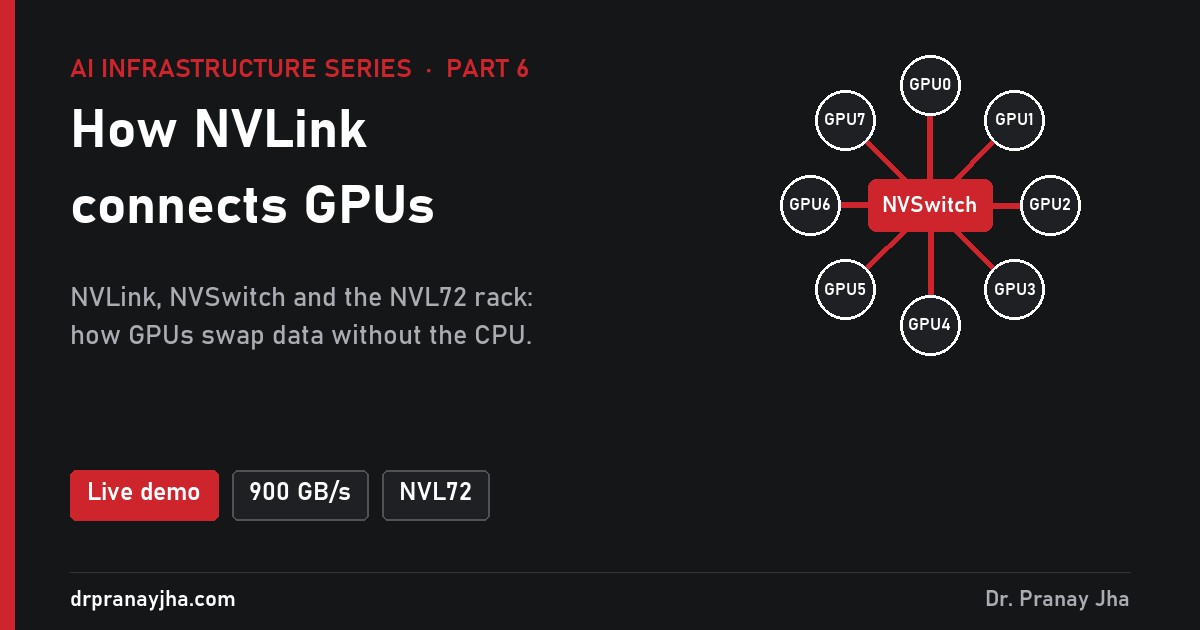
How does NVIDIA NVLink connect GPUs?
NVLink links GPUs directly, about 7 times faster than PCIe on an H100. What NVLink and NVSwitch are, what travels over them in training and serving, how an NVL72 rack makes 72 GPUs act as one, and scale-up vs scale-out.
-
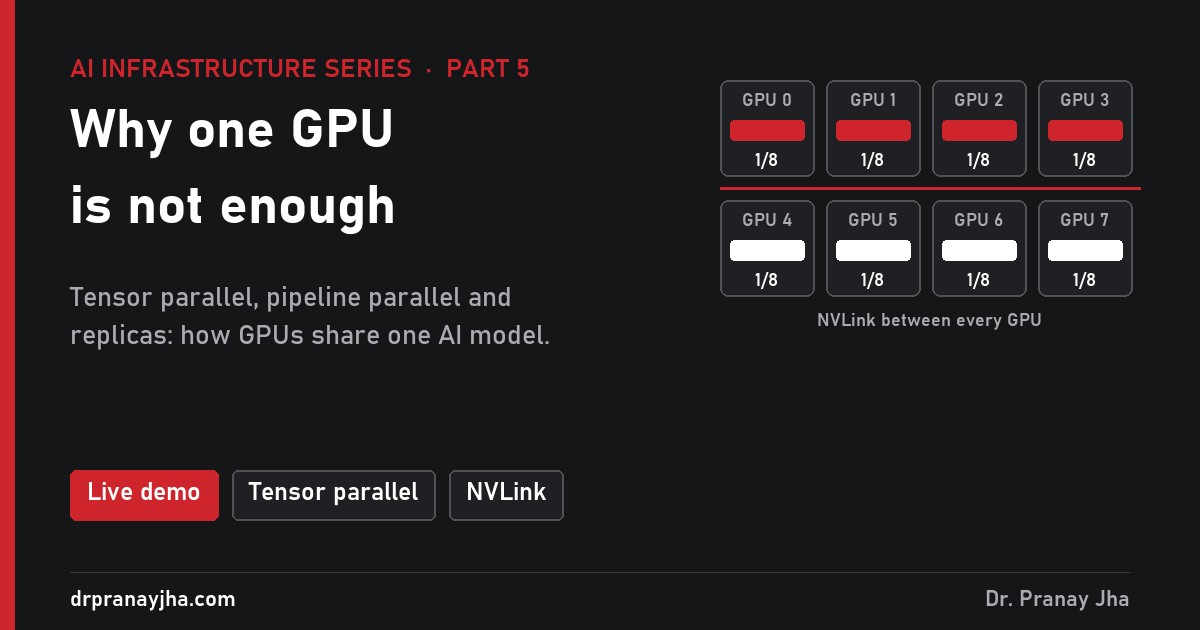
Why isn’t one GPU enough? How multiple GPUs share the work
A 70B model needs 140 GB; the biggest H100 has 80 GB. Tensor parallel, pipeline parallel and replicas explained: what each is good at, how they compare, and why NVLink matters as much as the GPUs.
-

Why does GPU memory bandwidth matter for AI?
An H100 serving one chatbot user uses less than 1% of its maths power; the rest of the time it waits for memory. Memory-bound vs compute-bound, the roofline, batching, the KV cache, and what it means when you choose a GPU.
-
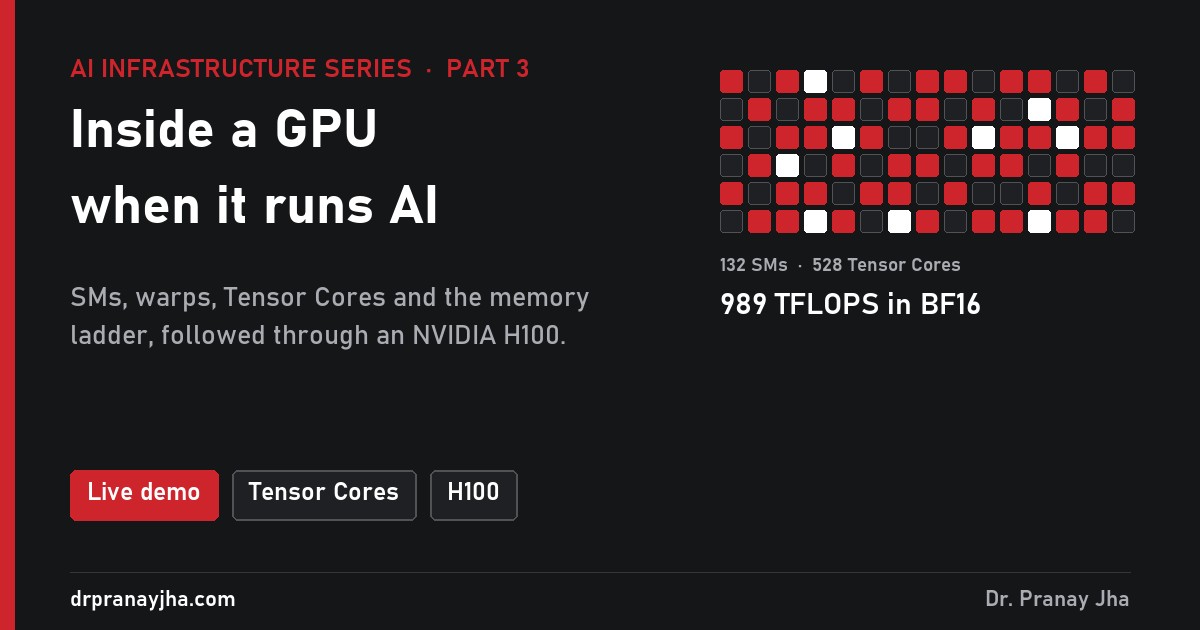
What happens inside a GPU when it runs AI?
Inside an AI GPU: streaming multiprocessors, warps, Tensor Cores and five levels of memory. Follow one AI calculation through an NVIDIA H100, and see why the cores spend most of their time waiting.
-
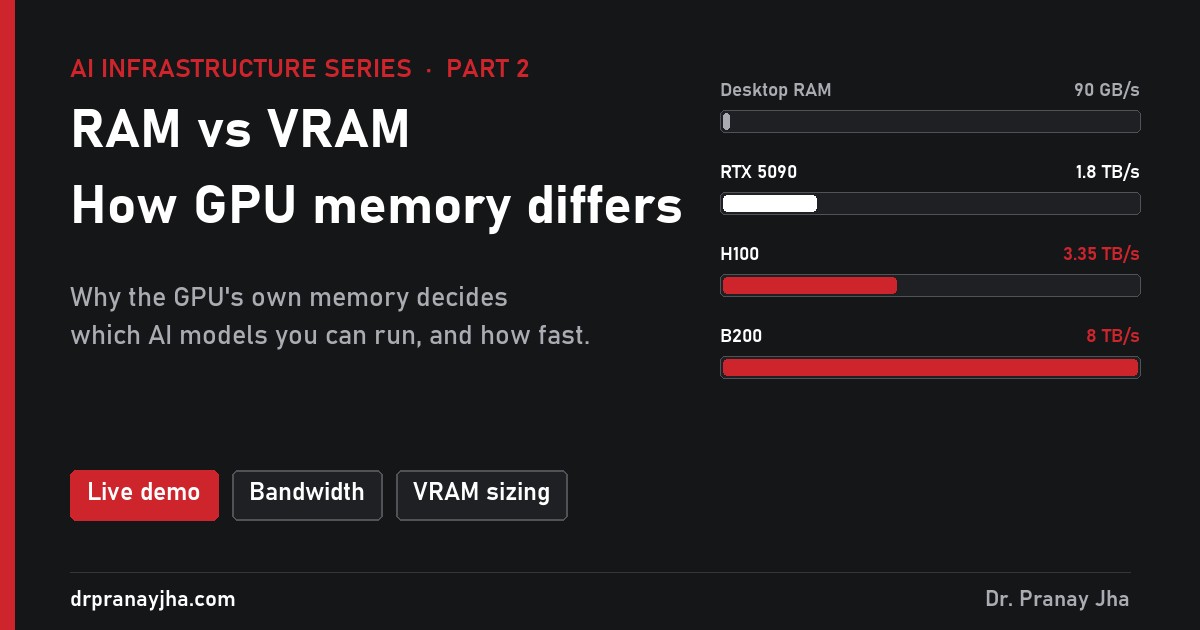
RAM vs VRAM: how is GPU memory different?
RAM belongs to the CPU, VRAM to the GPU. For AI the difference decides which models you can run and how fast they answer. Bandwidth, capacity, what happens when a model does not fit, and how much you need.
-
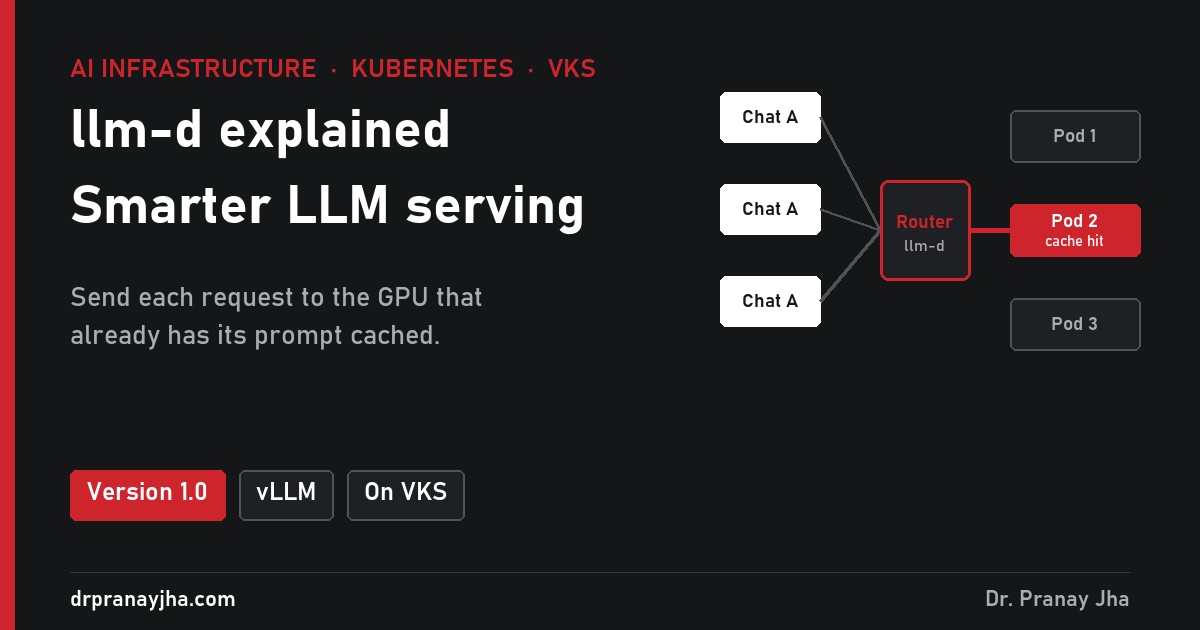
llm-d explained: smarter LLM serving on Kubernetes, and what it takes on VKS
llm-d routes each LLM request to the best vLLM pod on Kubernetes, reusing cached prompts and sharing GPUs fairly. What it does, what changed in 1.0, and what to check before running it on VMware VKS.
-
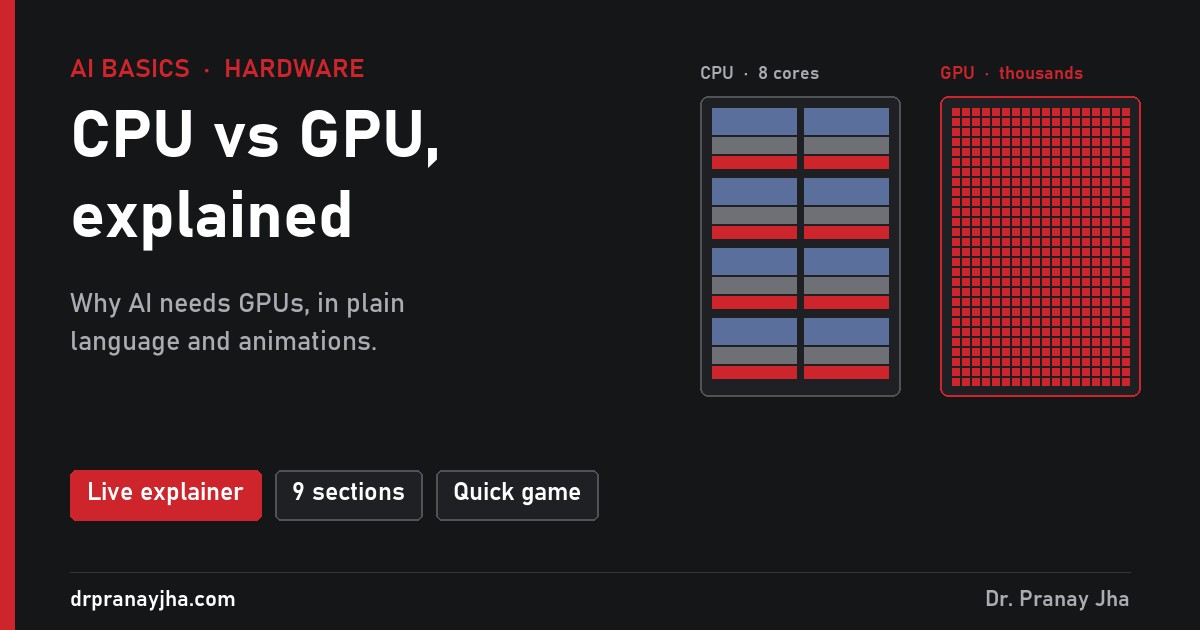
CPU vs GPU: what is the difference, and why does AI need GPUs?
A plain-language answer to the common CPU vs GPU questions: why the two chips are designed differently, why many open apps is a different kind of parallel, why AI needs GPUs, whether AI can run on a CPU, and why GPUs use more power.
-
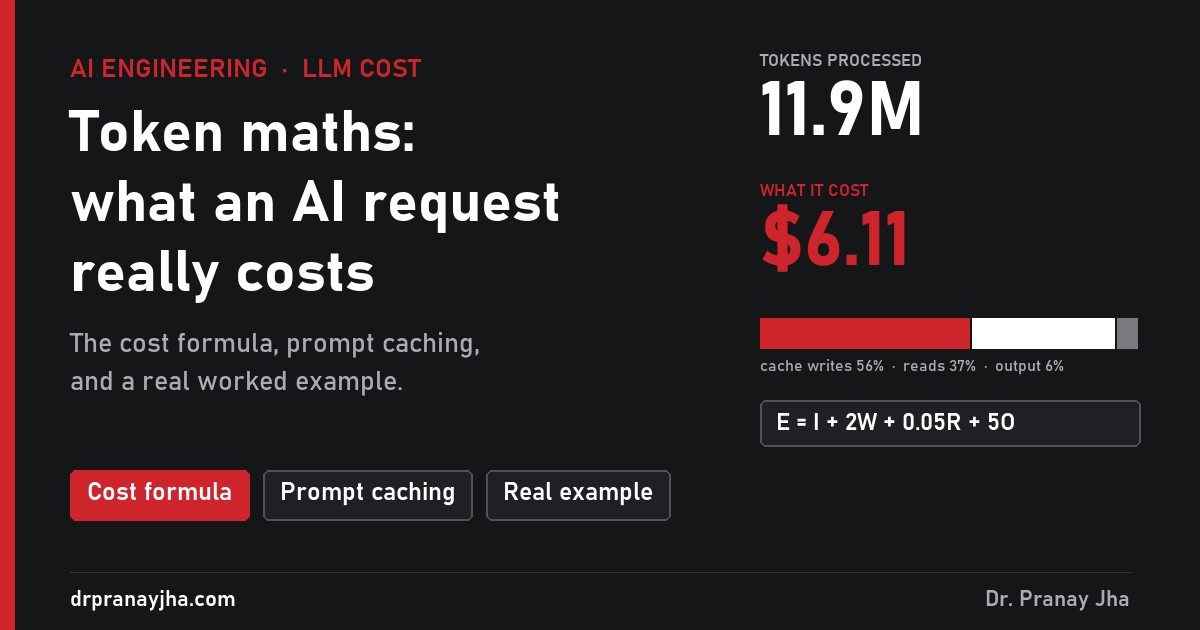
Token maths: how to calculate what an AI request really costs
How AI token billing works: the four meters, the cost formula, why long conversations get expensive, when prompt caching pays, and a real task where 12 million tokens cost $6.11.
-
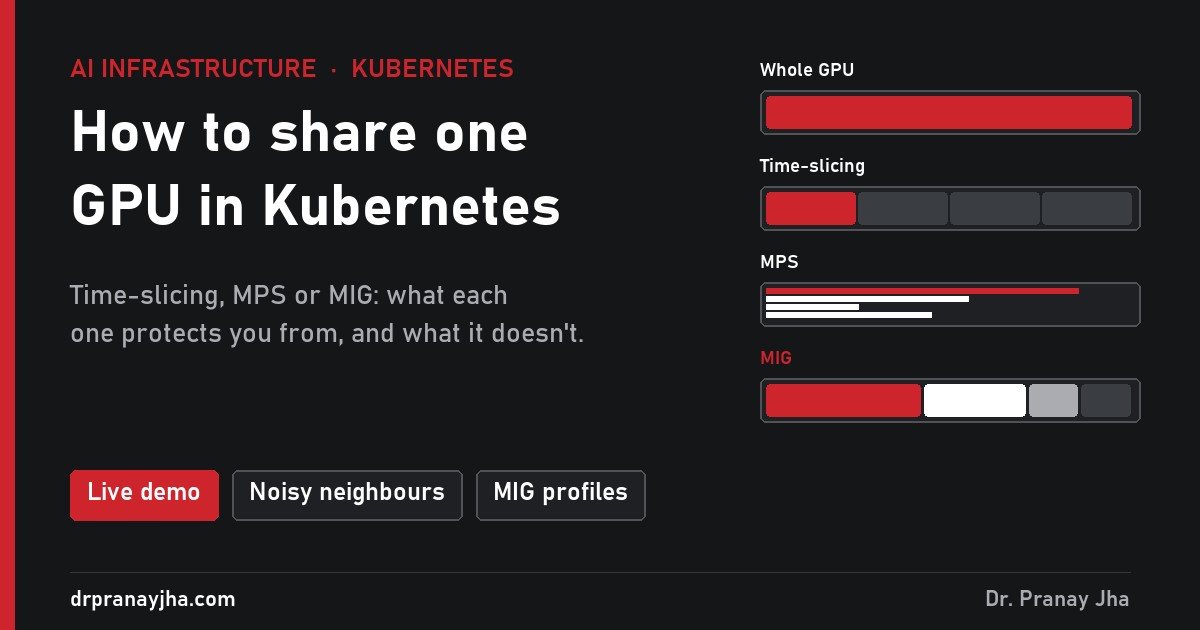
How to share one GPU between workloads in Kubernetes
Kubernetes hands out GPUs in whole numbers, so a notebook using 4% of an H100 holds the whole card. Time-slicing, MPS and MIG compared: what each protects you from, how to choose, and how to turn it on. With a live demo.
-
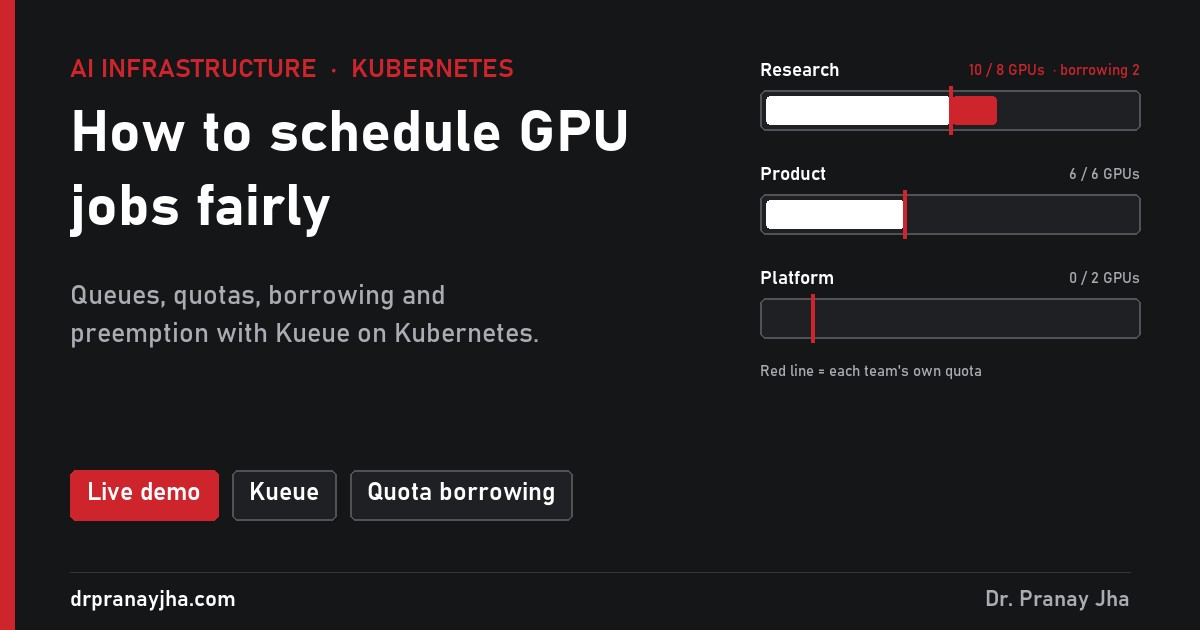
How to schedule GPU jobs fairly in Kubernetes
The default Kubernetes scheduler places pods one at a time, so multi-GPU jobs half-start and hold idle GPUs, and one team can take everything. How Kueue fixes it with queues, quotas, borrowing and preemption, with a live demo.
Architect’s Toolkit
PJ’s Tools
- Infra 360 Hub – All Series
- VCF Exam Practice Labs
- VCF 9 Interactive Walkthroughs
- VCF Design Cheatsheet
- VCF Upgrade Planner
- VCF 9 Series Hub
- VCF Deployment Hub
- AI Stack Hub
- AI Infra Sizing & Cost Calculator
- LLM & RAG Cost Calculator
- DrJhaGPT – Ask Pranay
VMware Cloud Foundation
- VCF Documentation
- VCF 9 Planning & Preparation Workbook
- VCF Bill of Materials (BoM)
- VMware Compatibility Guide
- VMware Interoperability Matrix
- VMware Configuration Maximums
- VMware Ports & Protocols
- VMware Hands-on Labs
- RVTools Download
Nutanix
AI & Cloud-Native Platform
- NVIDIA Build (Model Catalog)
- NVIDIA AI Enterprise Reference Architecture
- NVIDIA NIM Performance Benchmarking
- NVIDIA NGC Catalog
- NeMo Microservices Helm Chart
- Helm Charts Repository
- Hugging Face Models
Architecture & Design
About the Author

Dr Pranay Jha
Dr. Pranay Jha is a Cloud and AI Consultant with 18+ years of experience in hybrid cloud, virtualization, and enterprise infrastructure transformation. He specializes in VMware technologies, multi-cloud strategy, and Generative AI solutions. He holds a PhD in Computer Applications with research focused on Cloud and AI, has published multiple research papers, and has been a VMware vExpert since 2016 and a VMUG Community Leader.
You May Have Missed

 DrJha