

AI Infrastructure series · Part 8 of 24
The last four parts went from one GPU to a server of eight joined by NVLink. Real AI work, whether training a model or serving it to thousands of people, needs many such servers working as one system. That system is a GPU cluster. NVIDIA calls the largest ones “AI factories”. This post explains what goes into a cluster beyond the GPUs, and why power and cooling now decide more than chips do.
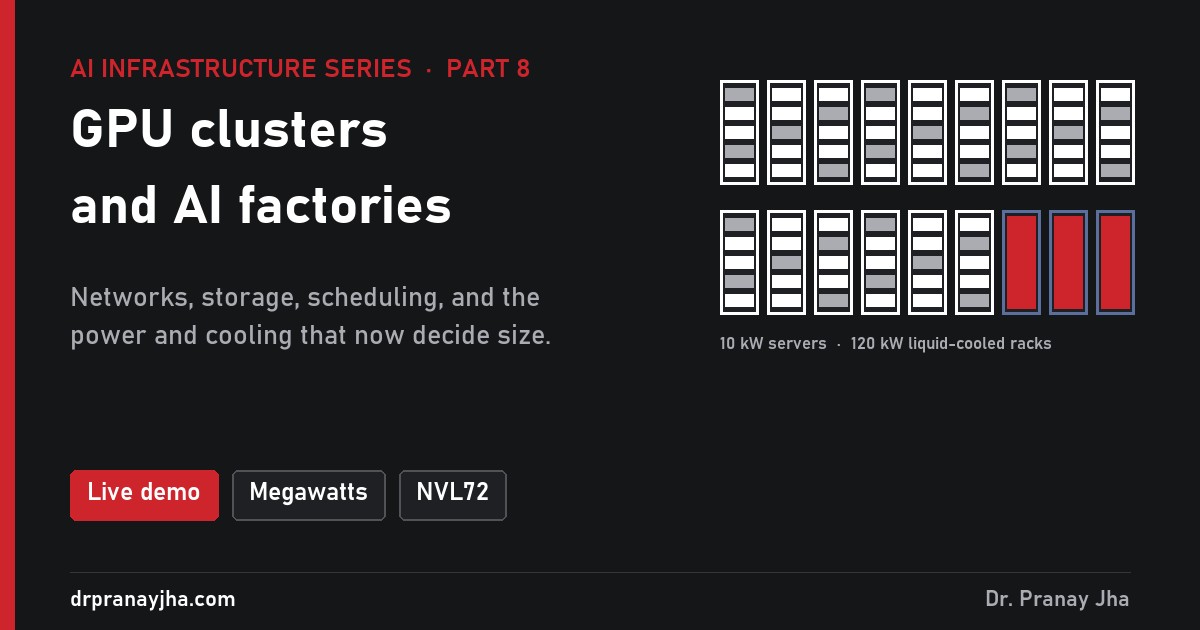
Choose H100 servers, B200 servers or GB200 NVL72 racks and a GPU count from 8 to 4,096. See the servers, racks, NVLink domains, network switches, megawatts and cooling it takes.
What is a GPU cluster?
A GPU cluster is a group of GPU servers connected by fast networks, with shared storage and software that lets them work on the same jobs. One server with 8 GPUs is a node. A cluster might be four nodes in a lab, or thousands of nodes in a purpose-built data hall.
The GPUs are the expensive part, but they are only one of seven building blocks. A weakness in any of the others leaves the GPUs waiting:
| Building block | What it does | Typical choice |
|---|---|---|
| GPU nodes | The servers that do the maths | 8-GPU HGX servers, or NVL72 racks |
| Scale-up network | Joins GPUs inside a node or rack | NVLink and NVSwitch (part 6) |
| Compute network | Joins GPUs across nodes for training and big models | InfiniBand or RDMA Ethernet, 400 to 800 Gb/s per GPU |
| Front-end network | Users, management, storage access, the internet | Ordinary data centre Ethernet |
| Storage | Training data, model files, checkpoints | Parallel file systems, fast NVMe, object storage |
| Scheduling and software | Decides which job runs on which GPUs | Slurm, or Kubernetes with a GPU-aware queue |
| Power and cooling | Keeps it all running | High-density racks, often liquid cooled |
How are the networks laid out?
A cluster usually has two or three separate networks, because their traffic is so different.
A rail-optimised compute network: each of a server’s 8 GPUs has its own port, wired to its own “rail” switch, with spine switches joining the rails.
- Scale-up (NVLink) stays inside a node or rack and carries the heaviest, most frequent traffic.
- Compute network gives every GPU its own high-speed port. In the common “rail-optimised” layout, GPU 0 of every server connects to the same switch, GPU 1 to the next, and so on, because in training the same-numbered GPUs talk to each other most. Leaf switches connect up to spine switches so any GPU can reach any other. The network is usually built “non-blocking”: as much bandwidth up to the spines as down to the GPUs.
- Front-end network carries everything else: user requests, management, and often storage. Keeping it separate stops ordinary traffic from slowing down training.
The compute network grows fast. Every GPU needs a 400 Gb/s port and optics, and a 1,024-GPU cluster needs about 48 large switches in the sketch in the demo. Getting it wrong shows up as GPUs that wait without any error, a problem covered in part 8 of my GPU series.
Why are power and cooling now the hard part?
A typical enterprise rack is designed for about 5 to 10 kW. AI hardware breaks that completely:
One H100 server can use a whole ordinary rack’s power budget. An NVL72 rack draws roughly what 12 to 24 enterprise racks do, and air simply cannot carry that much heat away, so it is cooled by liquid piped directly to the chips. A 1,024-GPU H100 cluster needs about 1.4 MW for its IT equipment and nearer 2 MW from the grid once cooling is included.
That changes how clusters are planned. Teams used to ask “how many GPUs can we buy?” Now the first questions are “how much power can we get, and how soon?” and “can this building handle liquid cooling?” In many places the answer to those decides the cluster’s size and date more than GPU supply does.
What is an AI factory?
“AI factory” is NVIDIA’s name for a data centre built to produce AI rather than to host general applications. The idea is that it works like a factory: power and data go in, and what comes out is intelligence, measured in trained models or in tokens generated for users.
It is a marketing term, but it captures a real shift in how these places are designed and judged:
Hosts many different applications for many owners. Judged on uptime and cost per server. Racks of 5 to 10 kW, mostly air cooled.
Built around one kind of work, at high density. Judged on output: tokens per second, per megawatt and per dollar. Racks of 40 to 120 kW and more, often liquid cooled.
Seen that way, everything earlier in this series is about factory efficiency. Bandwidth, batching, NVLink and good networks all mean more tokens from the same power. An idle GPU in an AI factory is like a stopped production line: it still costs money, and it produces nothing.
Where does software fit in?
Hardware makes a cluster possible; software makes it useful. Two families dominate:
- Slurm, from the supercomputing world, is common for large training jobs. Users submit a job asking for so many GPUs, and Slurm queues it until they are free.
- Kubernetes is common for serving models and for mixed workloads, with the NVIDIA GPU Operator to manage drivers and a queue such as Kueue to share GPUs fairly. My 11-part GPU series covers running it well, and part 21 of this series covers model serving on Kubernetes.
Either way, the software also has to watch the hardware closely. At thousands of GPUs, something is always failing: a GPU, a cable, a fan. Good clusters notice, move work away and repair without people having to step in.
- Start from the workload: training needs a fast compute network; serving can often start with single nodes.
- Keep the heaviest traffic inside NVLink domains, and give every GPU its own compute-network port.
- Plan power per rack first. Check whether the site can supply it, and cool it.
- Size storage for checkpoints and model loading, not just for datasets.
- Pick the scheduler that fits the work: Slurm for big training, Kubernetes for serving and mixed use.
- Measure what matters for an AI factory: useful output per GPU-hour and per megawatt.
Power figures are approximate maximums from NVIDIA system specifications. Cluster figures come from the simplified sizing in the demo and are for planning conversations, not designs.
About The Author



 DrJha