
-
VKS: The Verdict and When to Use It vs Alternatives (VKS Series, Part 17)
VKS is not trying to be OpenShift, and judging it that way gets the decision wrong. Here is an honest verdict versus the alternatives, and where VKS genuinely earns its place.
-
VKS Day-2 Operations: Backup, Multi-Tenancy and Capacity (VKS Series, Part 16)
Day-2 is where a VKS platform quietly succeeds or rots. Here is the hard line between infrastructure and app backup, the multi-tenancy spectrum, and the capacity math that bites late.
-
Troubleshooting VKS: The Failure Modes That Actually Bite (VKS Series, Part 15)
Most VKS failures fall into three families, and all three are diagnosed from the same place. Here is the triage habit that turns a stuck cluster into a named cause fast.
-
Running GPU and AI Workloads on VKS (VKS Series, Part 14)
GPUs are where VKS stops being interchangeable with generic Kubernetes. Here is the vGPU VM class, the GPU Operator, and how VKS becomes the substrate for VMware Private AI.
-
Deploying Applications on VKS with GitOps: Argo CD, Flux and Helm (VKS Series, Part 13)
Application delivery on VKS is just Kubernetes; Argo CD, Flux and Helm work unchanged. Here is the honest boundary, and the four VKS-specific wiring points that trip people up.
-
Upgrading VKS: Kubernetes Versions, the Service and Rolling Node Replacement (VKS Series, Part 12)
VKS upgrades decouple the platform from the cluster and roll nodes one at a time. Here is the model, the version-skew gating, and why most stuck upgrades are preconditions, not the engine.
-
Observability for VKS: Metrics, Logs and VCF Operations (VKS Series, Part 11)
Kubernetes-only tooling is blind below the node. Here is how metrics, logs and VCF Operations fit together so you can tell the app from the cluster from the infrastructure.
-
Securing VKS Clusters: RBAC, Pod Security and Namespace Isolation (VKS Series, Part 10)
VKS security is two layers people constantly blur. Here is who runs a cluster versus who uses it, and the four controls that real tenant isolation actually needs.
-
Autoscaling VKS: Cluster Autoscaler and Node Pool Scaling (VKS Series, Part 9)
The Cluster Autoscaler turns fixed node pools elastic, but only within your quota. Here is how min and max really work, how it differs from the HPA, and why the quota always wins.
-
VKS Storage: vSphere CSI, Storage Policies and Persistent Volumes (VKS Series, Part 8)
VKS storage is the vSphere CSI stack in Kubernetes clothes. Here is how a PVC becomes a disk, why RWX and cross-zone resilience break designs, and what to do about it.
-
Load Balancing and Ingress for VKS: NSX Native vs Avi (VKS Series, Part 7)
A LoadBalancer service gets its IP from the Supervisor, not the cluster. Here is how the Layer 4 defaults compare with Avi Layer 7, and when the extra component earns its place.
-
VKS Networking: NSX, VPCs and the CNI Options (VKS Series, Part 6)
Antrea by default, NSX VPCs or VDS on 9.1, and CIDRs that must not collide. Here is the VKS networking design that keeps clusters reachable instead of stuck.

Architect’s Toolkit
PJ’s Tools
VMware Cloud Foundation
- VCF Documentation
- VCF 9 Planning & Preparation Workbook
- VCF Bill of Materials (BoM)
- VMware Compatibility Guide
- VMware Interoperability Matrix
- VMware Configuration Maximums
- VMware Ports & Protocols
- VMware Hands-on Labs
- RVTools Download
Nutanix
AI & Cloud-Native Platform
- NVIDIA Build (Model Catalog)
- NVIDIA AI Enterprise Reference Architecture
- NVIDIA NIM Performance Benchmarking
- NVIDIA NGC Catalog
- NeMo Microservices Helm Chart
- Helm Charts Repository
- Hugging Face Models
Architecture & Design
About the Author

Dr Pranay Jha
Dr. Pranay Jha is a Cloud and AI Consultant with 18+ years of experience in hybrid cloud, virtualization, and enterprise infrastructure transformation. He specializes in VMware technologies, multi-cloud strategy, and Generative AI solutions. He holds a PhD in Computer Applications with research focused on Cloud and AI, has published multiple research papers, and has been a VMware vExpert since 2016 and a VMUG Community Leader.
Recommendations & Endorsements
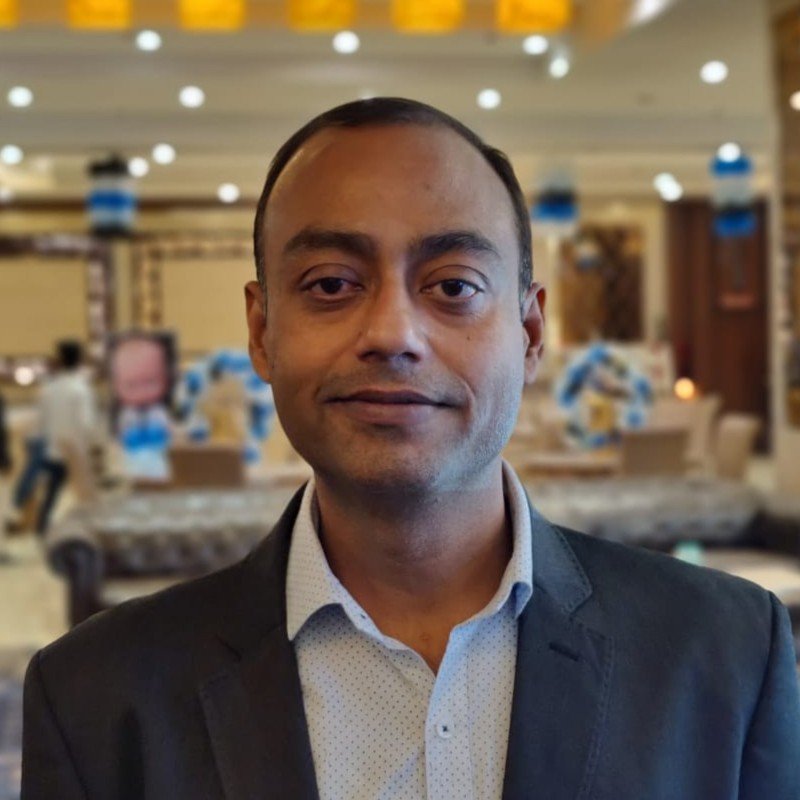
Pranay has very deep technical knowledge and exceptional capabilities. He has strong ability to well-manage complex situations and deliver the customer expectations with high standards of satisfaction. We worked together in one of most complex migration projects and Pranay delivered flawlessly.

Pranay was my VMware Architect on one of our financial accounts at IBM. He was instrumental in documenting and recommending our reference architecture. As a Chief Architect, you are only as good as your team that supports you. Pranay was top notch.

Pranay is proactive, result oriented, responsible and technically sound. Always ready to put all his energy to get the job done. Exceptional troubleshooting skills in Windows Server, virtualization and VMware — a great asset to any company.
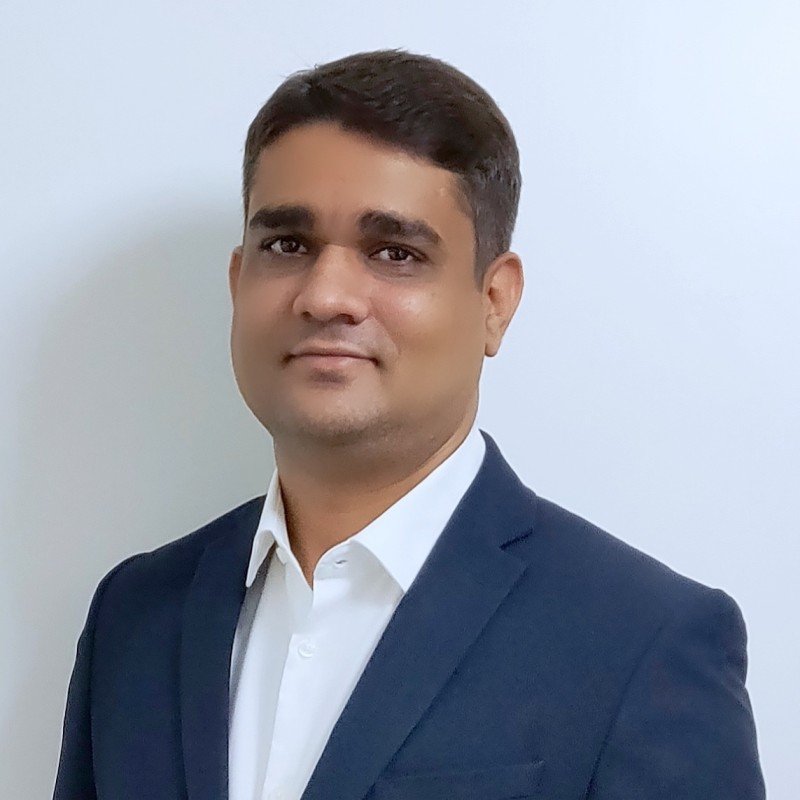
Pranay is one of the most talented and dedicated persons I have ever worked with. His vast knowledge from different domains enables him to discuss and help on almost every topic in IT. Needless to say, he is expert of experts in VMware.

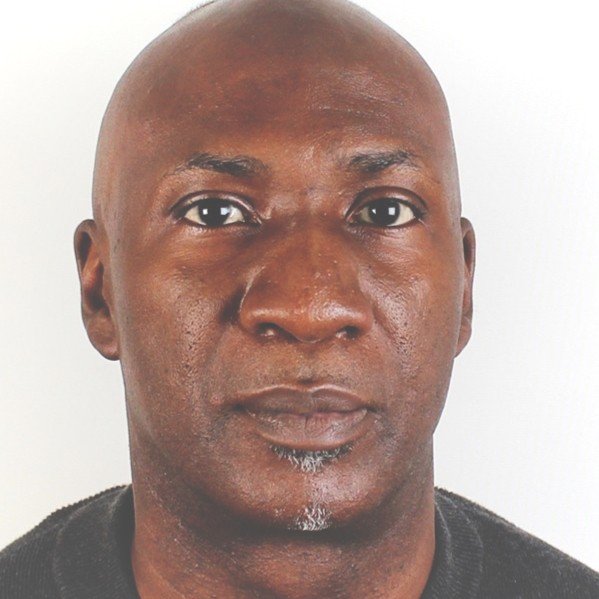
 DrJha
DrJha