
-
Learn SRM – Part 4.5 – Create Management Group using HP StoreVirtual VSA
In previous topic, we explored that how to add HP VSA appliance in CMC console. Now we will see how to Create management group in HP VSA using HPE StoreVirtual Centralized Management Console(CMC). Configure RAID: – Before creating Management group and add your system to Management Group, make sure that you have configured RAID for…
-
Learn SRM – Part 4.2 – Configure HP VSA Appliance Networking in both Site
In previous post, we explored how to deploy an HP VSA System. Now we are going to configure HP VSA appliance networking. Access vSphere Web Client and access appliance which we recently deployed in previous article. Go to Host and Click on Virtual Machines Section. You will see HP VSA appliance system as a Virtual…
-
Learn SRM – Part 4.1 – Deploy HP StoreVirtual VSA
Hey Guys, we are in process of implementing Site Recovery Manager in our home lab. We need to ensure that we have replicated storage in place as we are going to use Array based Replication. HP StoreVirtual VSA is one of the solution which provides array based replication for your home lab setup. Before installing…
-
Learn SRM – Part 3 – Understand Minimum Requirement for SRM Setup in Home Lab
Continuing to SRM 8.1, now we are going to deploy this in our environment. To be very honest, we are using our home lab to explore Site Recovery Manager. Hence there are certain specific requirement in your home lab. Here we are using HP StoreVirtual VSA for array based replication as we do not have…
-
Learn SRM – Part 2 – Understand VMware Site Recovery Manager Licensing
Alright! In previous post, we explored about the Introduction of VMware SRM 8.1. Now we are all set to explore Licensing part of VMware Site Recovery Manager which is an key area where most of the VMware Admins stuck. You are looking for a VMware SRM Solution in your environment. Now first question is, what…
-
Learn SRM – Part 1 – Introduction of VMware Site Recovery Manager 8.1
Ever faced disaster scenario? Do you think that disaster occurs with prior notification? Just like we have recently faced in Kerala and earlier Tsunami. Touch wood, it’s really a worst scenario. But being a Virtualization Admin, you can’t believe in crystal balls – You have to always plan worst case. So what if you have…
-
Learning Module on VMware Site Recovery Manager 8.1(SRM) for Beginners
Dear All, In previous modules, we explored different topics of VMware and other products. In this module, we are going to learn VMware Site Recovery Manager(SRM) which is an essential component of disaster recovery of your Virtual Data Center. Every VMware admin who is looking for a DR solution, should explore SRM product. Site Recovery…
-
Cross The Table | Performance Monitoring Deep Dive of Windows Operating System | By Hariom Aarya
Subscribe our Youtube channel to stay updated with latest technical Videos. https://www.youtube.com/cloudpathshala Subscribe and Share if you found it useful.
-
What is EVC (Enhanced vMotion Compatibility)
EVC is short for Enhanced vMotion Compatibility. EVC allows you to migrate virtual machines between different generations of CPUs. EVC provide enhanced vMotion compatibility. With this feature in VMware vSphere virtualization, Virtual Machines(VMs) could be move between ESXi hosts on different CPUs. With EVC we could mix older and newer server generations in the same…
-
Learning Modules on VMware HCX(Hybrid Cloud Extension) for Beginners
Good Day All! Hope you are enjoying the Virtual learning at Cloud Pathshala. In continuous to our different modules on several topics, here I am going to bring a new module which is VMware HCX. In last couple of days, I was working on VMware HCX(Hybrid Cloud Extension) to migrate our datacenter workload from on-premises…
-
Understand L1 Terminal Fault (L1TF) – Impact and Mitigation Plan for VMware Admins
Overview of L1TF Vulnerabilities: – Intel has disclosed on 14th Aug 2018 new class of three CPU speculative-execution vulnerabilities within its server, client and workstation processors, known as “L1 Terminal Fault (L1TF)” which can occur on past and current Intel processors (from at least 2009 – 2018) The processor vulnerability goes by L1TF, L1 Terminal…
-
vSphere 6.7 ICM – Topic 9.1 – Explain the vSphere HA architecture
Downtime is something which always costs to company. VMware helps to reduce downtime at each layer. Component Level (NIC multi-pathing ,storage multi-pathing) Server level(vMotion and DRS) Storage level (sDRS) Similarly vSphere HA provides a base level of protection for your virtual machines by restarting virtual machines in the event of a host failure. vSphere HA…

Architect’s Toolkit
PJ’s Tools
VMware Cloud Foundation
- VCF Documentation
- VCF 9 Planning & Preparation Workbook
- VCF Bill of Materials (BoM)
- VMware Compatibility Guide
- VMware Interoperability Matrix
- VMware Configuration Maximums
- VMware Ports & Protocols
- VMware Hands-on Labs
- RVTools Download
Nutanix
AI & Cloud-Native Platform
- NVIDIA Build (Model Catalog)
- NVIDIA AI Enterprise Reference Architecture
- NVIDIA NIM Performance Benchmarking
- NVIDIA NGC Catalog
- NeMo Microservices Helm Chart
- Helm Charts Repository
- Hugging Face Models
Architecture & Design
About the Author

Dr Pranay Jha
Dr. Pranay Jha is a Cloud and AI Consultant with 18+ years of experience in hybrid cloud, virtualization, and enterprise infrastructure transformation. He specializes in VMware technologies, multi-cloud strategy, and Generative AI solutions. He holds a PhD in Computer Applications with research focused on Cloud and AI, has published multiple research papers, and has been a VMware vExpert since 2016 and a VMUG Community Leader.
Recommendations & Endorsements
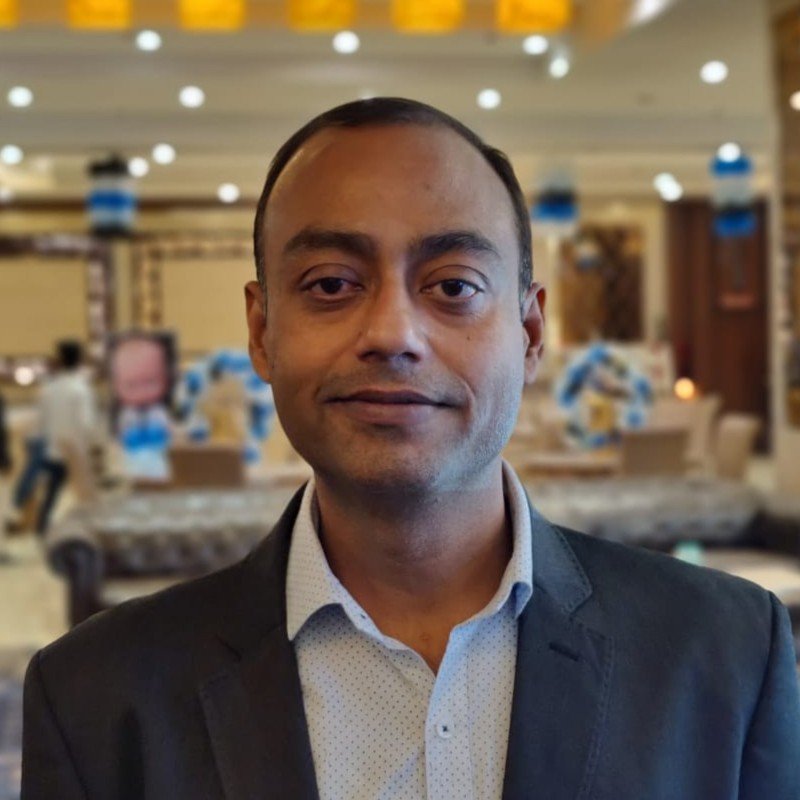
Pranay has very deep technical knowledge and exceptional capabilities. He has strong ability to well-manage complex situations and deliver the customer expectations with high standards of satisfaction. We worked together in one of most complex migration projects and Pranay delivered flawlessly.
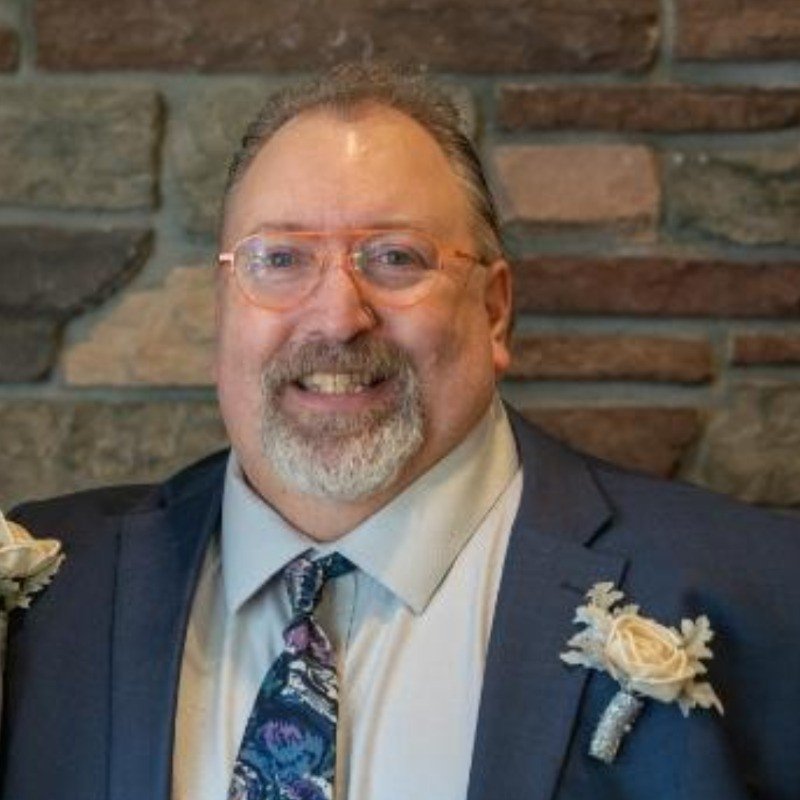
Pranay was my VMware Architect on one of our financial accounts at IBM. He was instrumental in documenting and recommending our reference architecture. As a Chief Architect, you are only as good as your team that supports you. Pranay was top notch.

Pranay is proactive, result oriented, responsible and technically sound. Always ready to put all his energy to get the job done. Exceptional troubleshooting skills in Windows Server, virtualization and VMware — a great asset to any company.
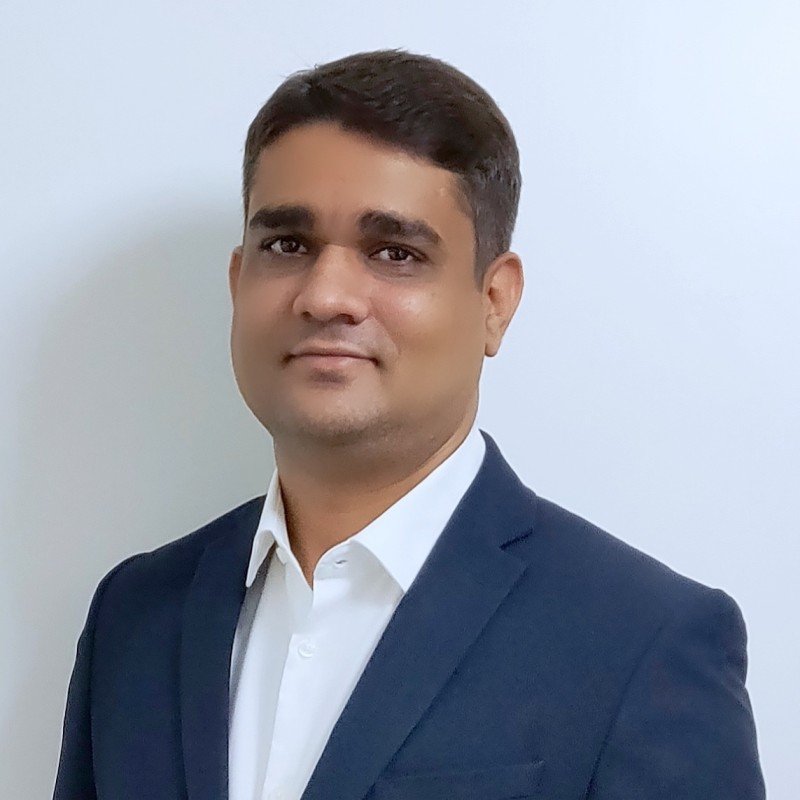
Pranay is one of the most talented and dedicated persons I have ever worked with. His vast knowledge from different domains enables him to discuss and help on almost every topic in IT. Needless to say, he is expert of experts in VMware.

 DrJha
DrJha